
Is Your Divi Website Actually Making You Money?
You paid for a website.
Maybe $2,000. Maybe $10,000. Maybe you built it yourself over countless weekends.
It looks professional. The colors match your brand. Your logo sits perfectly in the header.
But here’s the uncomfortable question: When did it last generate a lead?
Not a visitor. Not a page view. An actual lead — someone who filled out a form, made a call, or placed an order because your website convinced them to act.
For most small business owners, that question triggers silence.
The website exists. It checks a box. But it doesn’t work — not in the way that actually matters for your business.
This isn’t about design failures. Most business websites look fine. The problem runs deeper: websites built to exist versus websites built to perform.
The Expensive Digital Brochure Problem
Here’s what typically happens when a small business gets a website:
The designer asks about colors, logos, and images. Maybe they ask about your services and target audience. They build something attractive, hand it over, and move on.
Six months later, your analytics show:
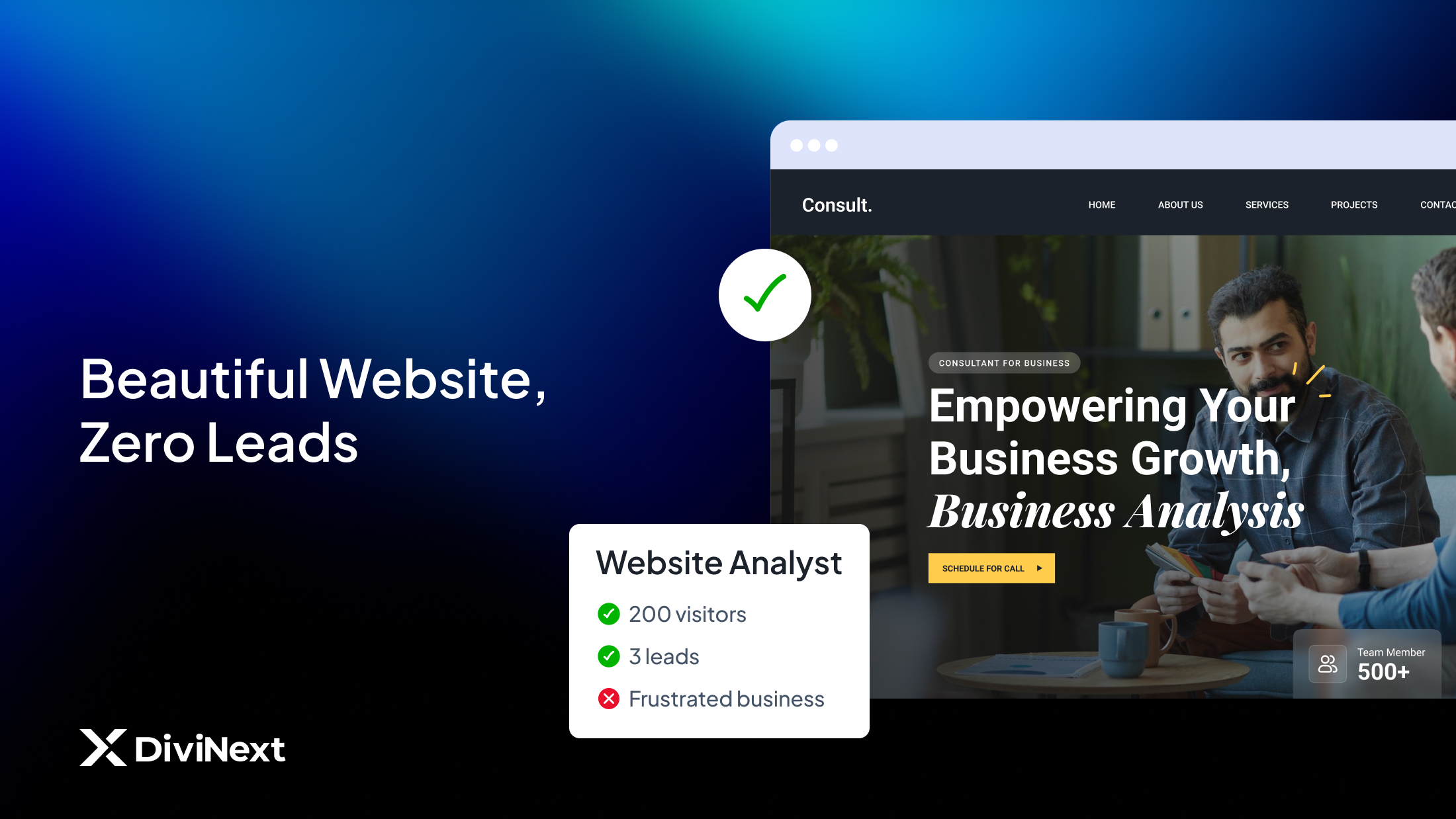
- 200 monthly visitors
- Average time on site: 47 seconds
- Contact form submissions: 3
- Phone calls from website: Unknown (no tracking)
Three leads from 200 visitors is a 1.5% conversion rate. Industry average for a functional business website is 2-5%. High-performing sites hit 10%+.
Your beautiful website is underperforming by half. On 200 monthly visitors, that’s the difference between 3 leads and 10 leads. Over a year, potentially 84 missed opportunities.
What went wrong?
The website was built for aesthetics, not outcomes. It answers “Do we look legitimate?” but ignores “What should visitors do next?
What High-Performing Websites Do Differently
After analyzing hundreds of small business websites, clear patterns emerge separating revenue-generators from digital brochures.
They Capture Attention Before Exit
Average visitors decide within 3-5 seconds whether to stay or leave. High-performing websites use that window strategically.
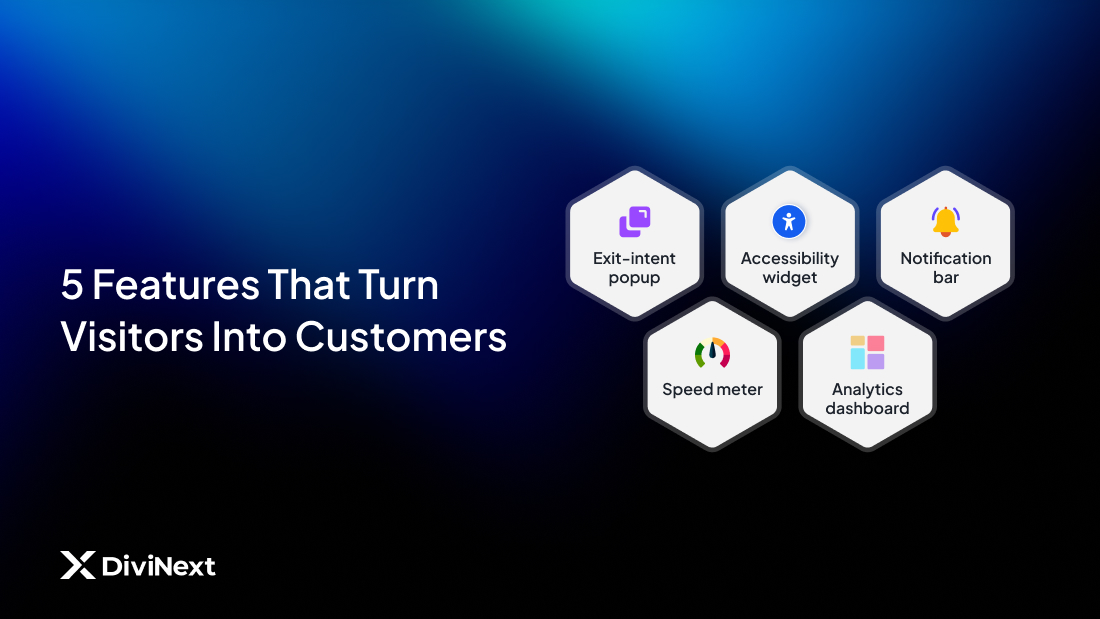
Exit-intent technology detects when visitors move to close the tab and presents a final offer — discount code, free consultation, downloadable guide. This alone can recover 10-15% of abandoning visitors.
Scroll-triggered engagement presents calls-to-action when visitors reach specific page sections, catching them at moments of highest interest.
Notification bars highlight time-sensitive offers, announcements, or key messages without disrupting the browsing experience.
These aren’t annoying tactics when implemented thoughtfully. They’re conversation starters that recognize visitor interest and respond appropriately.
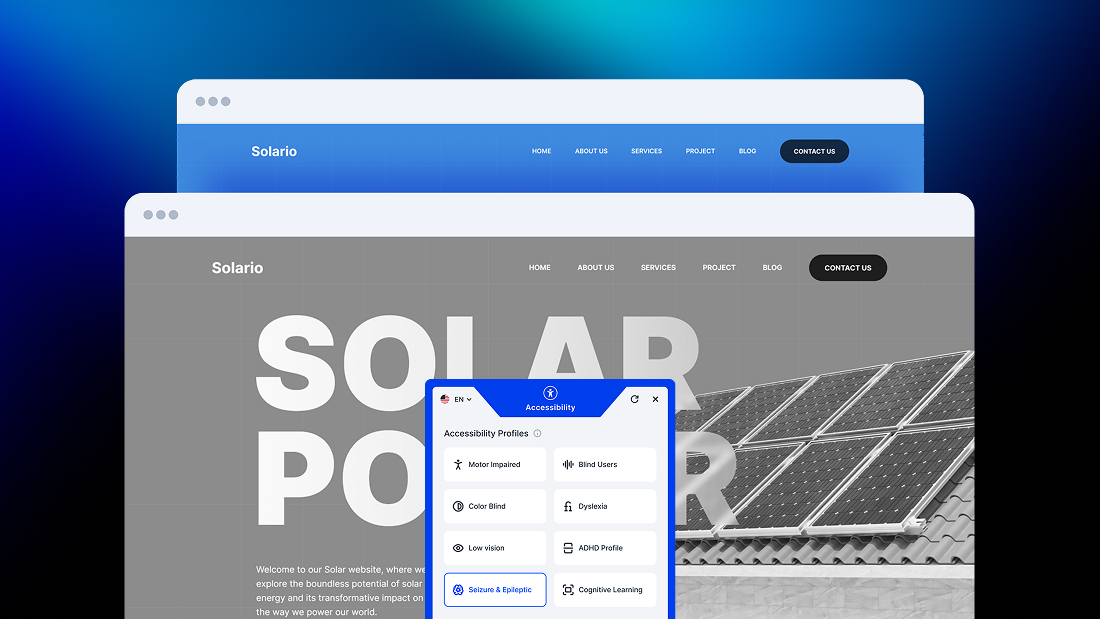
They Welcome Everyone
Here’s a statistic that surprises most business owners: 26% of American adults have some form of disability.
If your website isn’t accessible to screen readers, keyboard navigation, and visual adjustments, you’re excluding one quarter of potential customers.
Beyond ethics, accessibility is increasingly legal. ADA website lawsuits have increased 300%+ since 2018. Small businesses aren’t exempt — they’re often easier targets.
High-performing websites build accessibility from the foundation:
- Screen reader compatibility
- Keyboard-only navigation
- Adjustable font sizes and contrast
- Motion reduction options
- Cognitive accessibility features
This isn’t charity. It’s market expansion. Accessible websites serve more customers and avoid legal exposure simultaneously.
They Guide Instead of Display
Most business websites present information passively. “Here’s who we are. Here are our services. Here’s our contact page.”
Visitors are left to figure out their own journey. Many don’t bother.
High-performing websites guide actively:
- Clear visual hierarchy directing attention
- Strategic calls-to-action at decision points
- Interactive elements that engage rather than display
- Multiple conversion pathways for different visitor intentions
The difference is subtle but significant. One approach hopes visitors act. The other makes action the natural next step.
They Load Fast
Every second of load time costs conversions. Studies consistently show:
- 1 second delay = 7% conversion reduction
- 3 seconds load time = 40% abandonment rate
- Mobile users expect sub-2-second loads
Yet most small business websites load in 4-6 seconds, hemorrhaging potential customers before content even appears.
Speed depends heavily on technical implementation — optimized images, efficient code, minimal plugin bloat. Websites built with performance-conscious tools start faster and stay faster.
They Track What Matters
“How’s the website performing?”
For most businesses, this question gets answered with vanity metrics. Page views. Visitors. Maybe bounce rate.
None of these directly measure revenue impact.
High-performing websites track:
- Form submissions by source
- Phone calls triggered by website
- Chat conversations initiated
- E-commerce transactions and cart abandonment
- Goal completions tied to business outcomes
Proper tracking requires setup: Google Analytics 4, Google Tag Manager, conversion pixels for advertising platforms. Without this infrastructure, marketing decisions are guesswork.
The Hidden Cost of Cheap Websites
Business owners often evaluate websites by upfront cost. A $1,500 website seems smarter than a $4,000 website.
But websites aren’t expenses. They’re infrastructure.
Consider two scenarios:
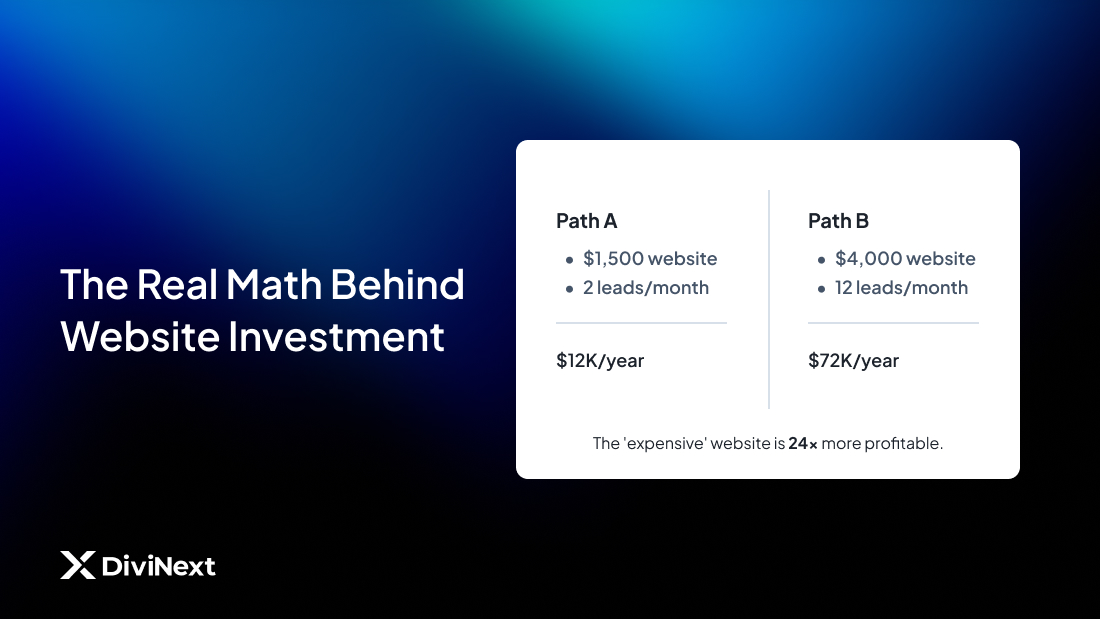
Website A: $1,500
- Basic template, minimal customization
- No conversion optimization features
- No accessibility compliance
- No analytics configuration
- Generates 2 leads/month
Website B: $4,000
- Strategic conversion elements
- Full accessibility compliance
- Complete tracking setup
- Ongoing performance optimization
- Generates 12 leads/month
If your average customer value is $500, Website A generates $12,000 annually. Website B generates $72,000.
Website B costs $2,500 more upfront but produces $60,000 more revenue yearly.
The “expensive” website was actually 24x more profitable.
This math applies whether you’re hiring a developer or building yourself. The tools and approach matter more than the price tag.
What to Ask Before Your Next Website Project
Whether hiring a professional or building with Divi yourself, these questions separate outcome-focused projects from aesthetic exercises:
“What conversion features are included?” Popups, notification bars, exit-intent triggers, lead capture forms — these should be standard, not add-ons.
“How will accessibility be handled?” Vague answers like “we follow best practices” aren’t sufficient. Ask about specific tools, compliance standards, and testing methods.
“What tracking will be configured?” Google Analytics 4, Tag Manager, and conversion pixels should be baseline. If tracking isn’t mentioned, revenue measurement is being ignored.
“How is site speed being optimized?” Ask about image optimization, code efficiency, and plugin impact. Load time directly affects your bottom line.
“What happens after launch?” Websites need ongoing optimization. Ask about maintenance, updates, and performance monitoring.
The answers reveal whether you’re getting a digital brochure or a revenue-generating asset.
Building Revenue-Generating Websites Yourself
Many small business owners choose Divi because it empowers them to build and maintain their own websites. Smart choice — when approached correctly.
The challenge: Divi provides the canvas, but revenue-generating features require additional tools.
What the core Divi theme provides:
- Visual page building
- Responsive design
- Basic modules and layouts
- Theme customization
What revenue generation requires:
- Advanced conversion popups with smart triggers
- Notification bars for promotions and announcements
- Accessibility compliance tools
- WooCommerce enhancements for online stores
- Extended module options for professional designs
The gap between “having a website” and “having a website that works” is the gap between basic Divi and Divi plus strategic plugins.
Smart Investment Windows for Website Tools
If your Divi website needs performance upgrades, timing your investment matters.
DiviNext Cyber Monday 2025 (December 1-9) offers the widest selection of Divi enhancement tools at annual-low pricing:
For complete website transformation: All Access Pass — ~~$1,683~~ → $299 lifetime
- 17+ plugins covering conversion, accessibility, e-commerce, and design
- Unlimited websites
- All future tools included
- Zero renewal costs
For specific improvements:
- Popup Pro (conversion popups): ~~$99~~ → $49 lifetime
- AlertBars (notification bars): ~~$129~~ → $65 lifetime
- EaseAccess (accessibility): ~~$349~~ → $175 lifetime
- Woo Essential (e-commerce): ~~$289~~ → $144 lifetime
- Divi Essential (design modules): ~~$199~~ → $119 lifetime
For 10 lucky Lifetime buyers: $749 in marketing services from Zone7 including:
- Social media post designs
- Audience and competitor research
- Google My Business setup
- GA4 + GTM + Meta Pixel configuration
- 30-minute strategy consultation
The question isn’t whether these tools cost money. It’s whether underperforming websites cost more.
Your Website’s Job Description
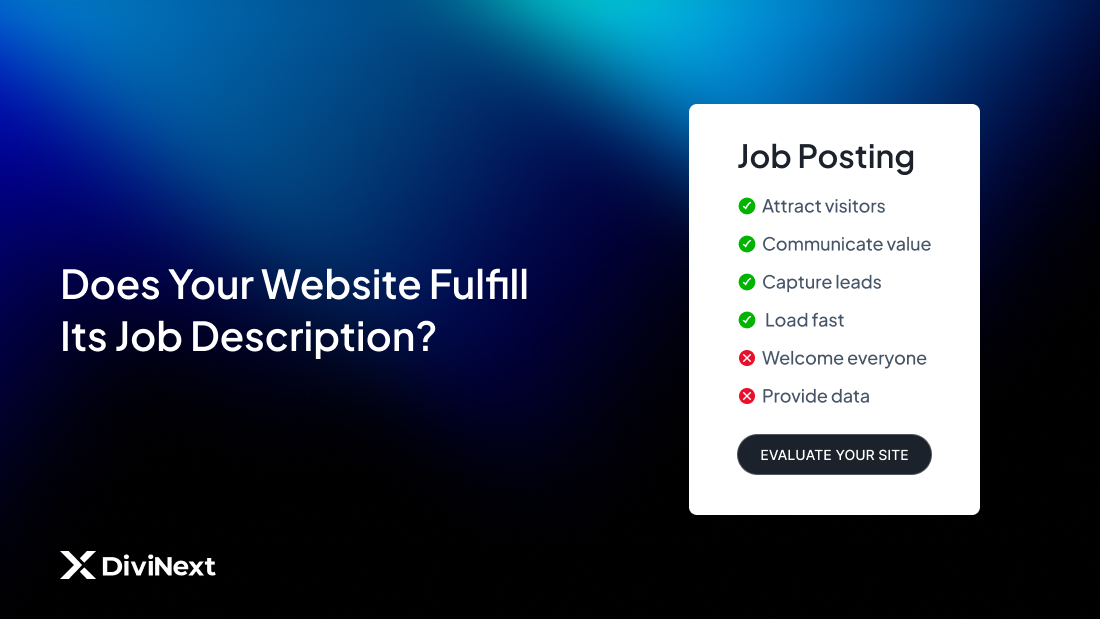
Here’s a useful exercise: Write a job description for your website.
Not what it looks like. What it does.
A revenue-generating website’s job description might read:
“Attract qualified visitors. Communicate value clearly. Capture contact information from interested prospects. Welcome visitors of all abilities. Load fast enough to retain attention. Provide data for continuous improvement.”
Does your current website fulfill that job description?
If not, the issue isn’t usually major reconstruction. It’s adding the tools and features that transform presence into performance.
Your website can be beautiful AND effective. The two aren’t mutually exclusive.
They’re just not automatically connected.