



Divi 5 Compatibility: How Divi Essential Makes the Transition Seamless
Change can be intimidating, especially when your entire website depends on it. Divi 5 brings massive improvements, but it also brings questions. Will your favorite plugins still work? Will your designs survive the upgrade?
We have good news. Divi 5 compatibility has been our top priority, and Divi Essential is fully ready for the new era.
Understanding What Divi 5 Compatibility Really Means
Divi 5 isn’t just a version bump. It’s a complete architectural overhaul. The old shortcode-based system is being replaced with a modern JSON-based rendering approach. This means faster performance, but it also means plugins need significant updates to work properly.
True Divi 5 compatibility requires rebuilding modules from the foundation up. Quick patches won’t cut it. That’s why we started our compatibility work the moment Elegant Themes opened developer access.
Our Approach to Achieving Full Divi 5 Compatibility
When Elegant Themes announced Divi 5 Beta, our team immediately began planning. We didn’t wait for the final release. We dove into the alpha builds, studied the new architecture, and started rebuilding.
Every module in Divi Essential is being converted to work natively with Divi 5’s new system. This isn’t about making things “work okay.” It’s about making them work perfectly.
The result? Modules that render in real-time within the Visual Builder. Settings that respond instantly. Performance that matches or exceeds what you experienced in Divi 4.
Current Divi 5 Compatibility Status
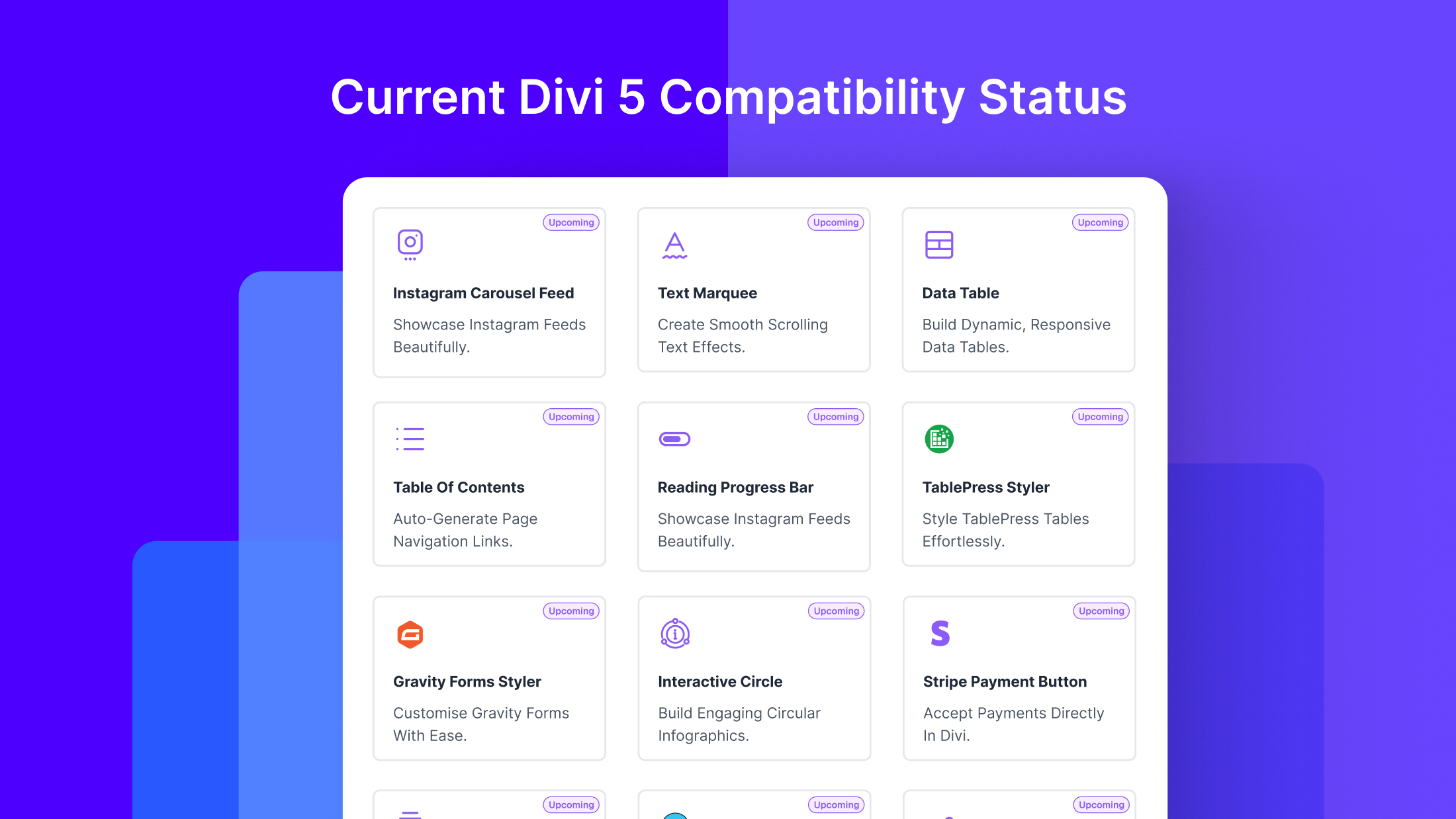
We’re proud to announce that 10 modules have achieved full release-ready status. These include Text Marquee, Instagram Feed and Carousel, Contact Form 7 Styler, Gravity Forms Styler, Reading Progress Bar, Stripe Payment Button, Stacked Cards, Data Table, TablePress Styler, and Stacked Images.
Each of these has been thoroughly tested across multiple environments. They work reliably with current Divi 5 Beta builds and will continue working as Divi 5 evolves toward stable release.
Why Divi 5 Compatibility Takes Time
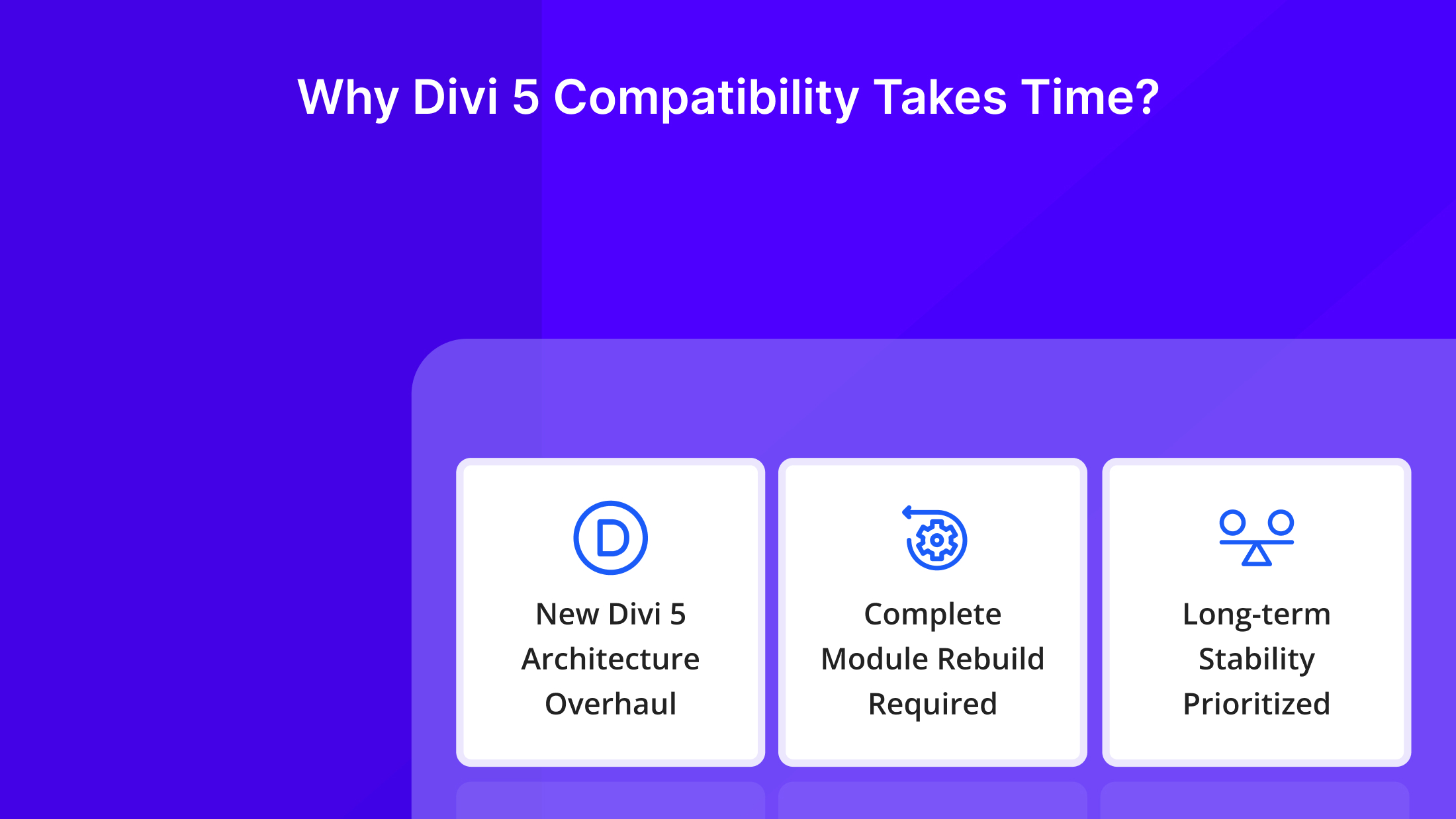
Some users wonder why achieving Divi 5 compatibility takes so long. The answer lies in the scope of changes Elegant Themes introduced.
The new architecture touches everything. How modules register themselves. How settings panels display. How styles get applied. How content renders on the front end. Every aspect requires careful attention and thorough testing.
We could have rushed out quick compatibility patches. But those would break with future Divi 5 updates. Instead, we’re building for long-term stability. When Divi 5 reaches full public release, your Divi Essential modules will work flawlessly.
Testing Divi 5 Compatibility Yourself
Want to experience Divi 5 compatibility firsthand? Here’s how to try it safely.
We strongly recommend using Divi 5 on a new website instead of an active live site. Since Divi 5 is still in beta, enabling it on a production environment may cause unexpected issues.
If you want to work with real content, you can migrate an existing website. Before migrating, always take a full website backup (including files and database). After securing your backup, migrate the site to a staging, subdomain, or local environment before enabling Divi 5.
Next, download the Divi Essential Beta from your DiviNext account. This version is built specifically for Divi 5 and includes all currently compatible modules.
Install Divi 5 along with the Divi Essential Beta, then start exploring the release-ready modules. Build pages, experiment with layouts, and explore different use cases. If you run into any issues, please share your feedback with us.
Your feedback helps guide our development priorities. Every issue reported and suggestion shared brings us closer to full Divi 5 compatibility across the entire Divi Essential module library.
Maintaining Divi 4 Compatibility
Here’s something important. Achieving Divi 5 compatibility doesn’t mean abandoning Divi 4 users. Our beta version works seamlessly with both Divi versions.
This dual compatibility protects your existing projects. You can keep building with Divi 4 while preparing for Divi 5. When you’re ready to migrate, the transition will be smooth.
What Happens to Your Existing Designs
Concerned about your current Divi Essential designs after upgrading to Divi 5? The new architecture includes backward compatibility mode. Existing modules will continue rendering, even before they receive full native updates.
As we release updated modules, your designs will automatically benefit from improved performance. No manual intervention required. Your sites keep working while getting faster behind the scenes.

Your Role in the Compatibility Journey
Beta testing isn’t just helpful. It’s essential. With thousands of possible configurations, server environments, and use cases, no internal testing team can cover everything.
When you test Divi 5 compatibility and share your findings, you’re helping the entire Divi community. You’re ensuring that when Divi 5 goes fully public, everyone benefits from thoroughly tested, reliable plugins.
Moving Forward with Confidence
Divi 5 represents an exciting evolution for website builders everywhere. With Divi Essential’s commitment to Divi 5 compatibility, you can embrace this evolution without fear.
Your designs are safe. Your workflow is protected. Your favorite modules are ready.
The future of Divi building is here, and you’re fully prepared for it.

