


Best WooCommerce Plugins for 2025 to Guarantee Store Success
Choosing the right WooCommerce plugin can be the secret ingredient that takes your online store from functional to phenomenal. But which one to choose?
With a seemingly endless array of plugins to choose from, figuring out which ones will bring value to your store might feel daunting. Worry not! In this guide, we’ll dive into the best WooCommerce plugins for 2025, offering solutions that can streamline operations, enhance user experience, and boost sales.
Whether you’re a seasoned store owner or just starting, this list will be your ultimate toolkit.
Tips for Picking the Best WooCommerce Plugin for Your Needs

Selecting the best WooCommerce plugin for your store requires careful consideration. With so many plugins available, these tips will help you make the right choice:
1. Understand Your Store’s Goals
Every store is unique. Define your store’s primary objectives—whether it’s improving customer experience, automating processes, or boosting sales. Knowing your goals will help narrow your options to plugins that align with your vision.
2. Prioritize Essential Features
Create a checklist of must-have features based on your store’s needs. For example, a wishlist plugin might be essential to enhance customer engagement, while a robust shipping calculator could be crucial for logistics.
3. Seek Mobile-Friendly Functionality
With mobile commerce on the rise, ensure the plugin provides a responsive design and mobile-friendly features, such as optimized checkout pages or mobile wallet integrations.
4. Research Developer Reputation
Plugins from reputable developers tend to be more reliable. Look for plugins with consistent updates, active support, and high ratings.
5. Go Through Reviews, Pricing, Licencing and Case Studies
Reviews and testimonials from other users provide valuable insights into a plugin’s performance and real-world impact. Case studies can showcase how businesses like yours have benefited. And last but not the last, don’t forget to check your compatibility with the pricing & licensing of selected Plugin.
6. Consider Scalability & SEO-Friendly Features
As your store grows, your needs will change. Choose plugins that can scale with your business and offer flexibility for future expansions. If your store relies heavily on organic traffic, choose plugins that offer SEO enhancements, like structured data support or customizable meta fields.
7. Opt for Plugins with Active Support
Timely support is essential, especially when facing technical issues. Plugins with a responsive support team and a history of regular updates ensure long-term stability.
8. Evaluate Plugin Performance
Before deploying a plugin to your live site, test it in a staging environment. This precaution minimizes risks and ensures compatibility.
Besides, a poorly optimized plugin can slow down your website. Check how the plugin impacts site performance using tools like Google PageSpeed Insights or GTMetrix. Lightweight plugins are ideal for maintaining fast load times.
9. Analyze Plugin Documentation
Good documentation makes it easier to configure and troubleshoot plugins. Check if the plugin provides setup guides, FAQs, or video tutorials to streamline the onboarding process.
10. Examine Security Features
Plugins that handle payments or customer data should prioritize security. Look for plugins that are PCI-DSS compliant or offer encryption for sensitive information.
11. Check for Integration Options
If you use third-party tools like CRMs, email marketing platforms, or payment gateways, ensure the plugin integrates seamlessly with them to avoid workflow disruptions.
12. Consider User Experience (UX)
Choose plugins that enhance the shopping experience. Features like AJAX-powered search, intuitive navigation, or personalized recommendations can significantly improve customer satisfaction.
14. Join WooCommerce Communities
Participate in forums, Facebook groups, or online communities for WooCommerce users. Fellow store owners often share firsthand experiences and recommend plugins that worked well for them.
15. Compare Alternatives
Avoid settling for the first plugin you find. Compare similar plugins in terms of features, pricing, and reviews to ensure you’re getting the best fit for your store.
Top WooCommerce Plugins for 2025
Ready to take your online store to the next level? Here’s a handpicked list of game-changing WooCommerce plugins designed to boost performance, enhance customer experience, and skyrocket your sales in 2025:
Woo Essential – The Ultimate Divi WooCommerce Plugin
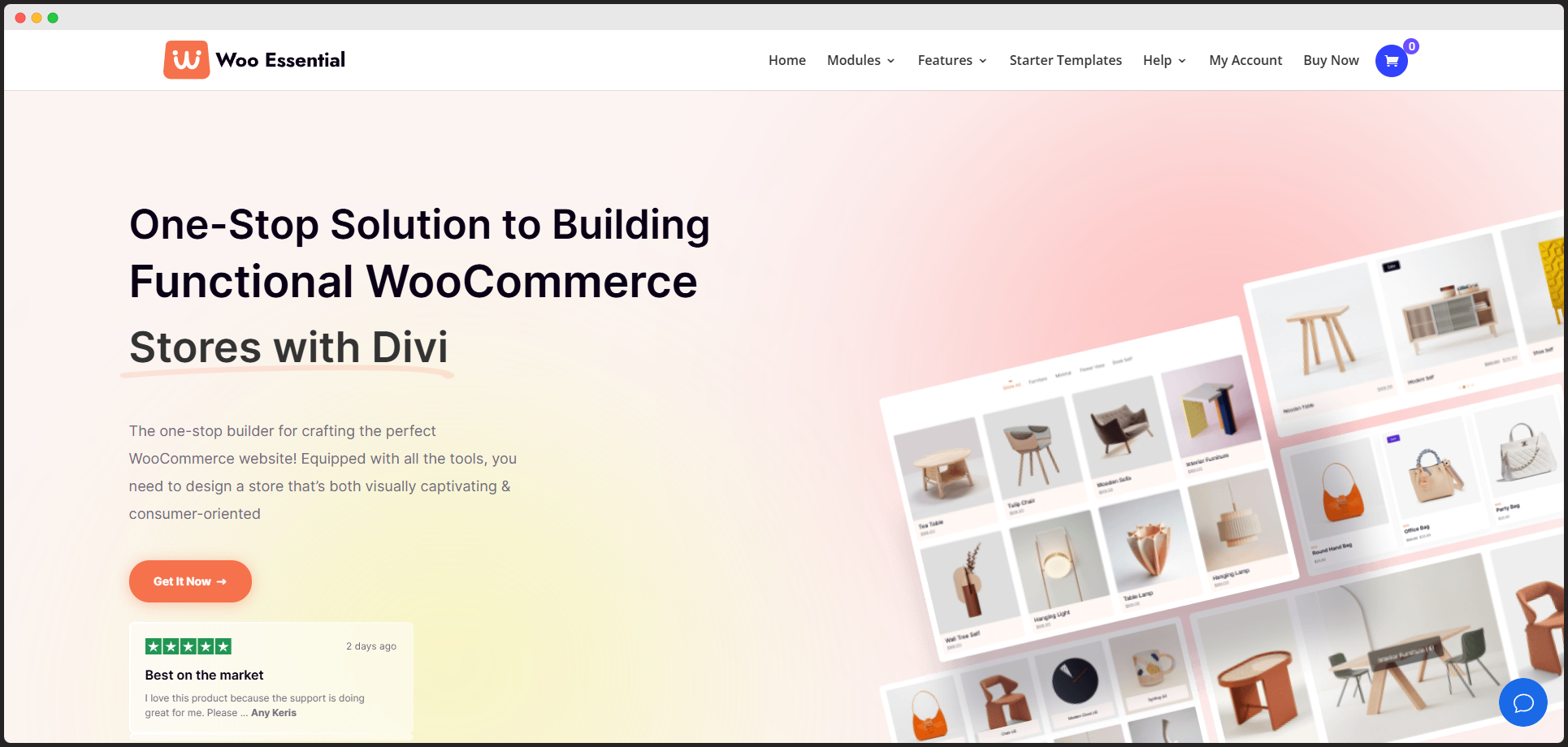
Running a WooCommerce store with Divi? It doesn’t have to be complicated! Say hello to Woo Essential – your ultimate toolkit for creating and managing an online store effortlessly. This powerful plugin is designed to make your eCommerce journey smooth, stylish, and successful.
With Woo Essential, you can craft visually stunning product displays, from eye-catching carousels and grids to Mini Cart advanced filters that elevate the shopping experience. Intuitive customization options let you build a responsive, beautifully designed store that perfectly integrates with Divi.
Ready to wow your customers and boost your sales? Woo Essential is here to turn your online store into an eCommerce masterpiece!
Key Features:
Merchant – All-in-One WooCommerce Plugin
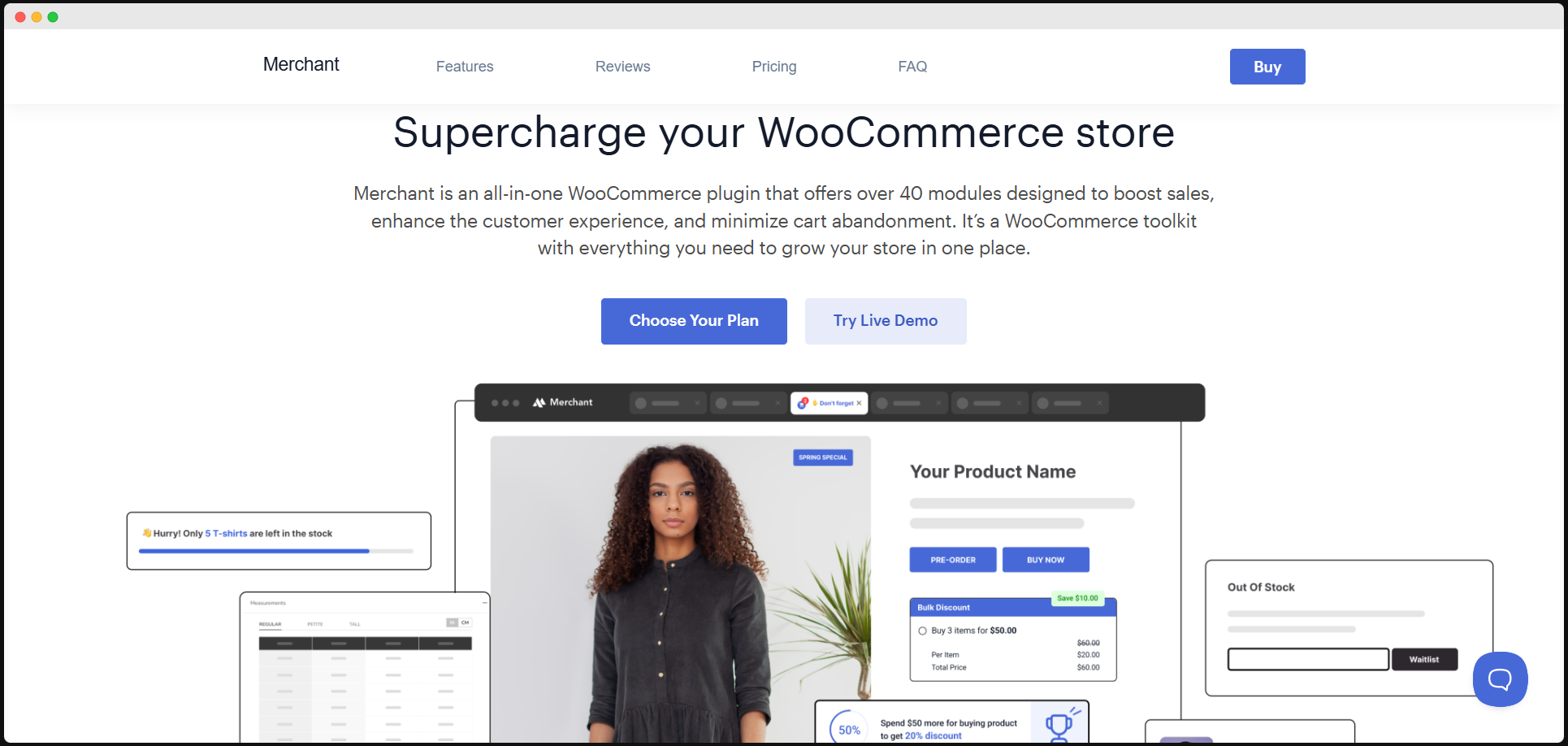
Managing a WooCommerce store can be daunting, but Merchant takes the hassle out of it. This all-in-one plugin combines essential tools like inventory tracking, order processing, and marketing automation into one streamlined solution. It’s perfect for businesses looking to save time and optimize operations seamlessly.
Key Features:
Stripe - WooCommerce Payment Gateway
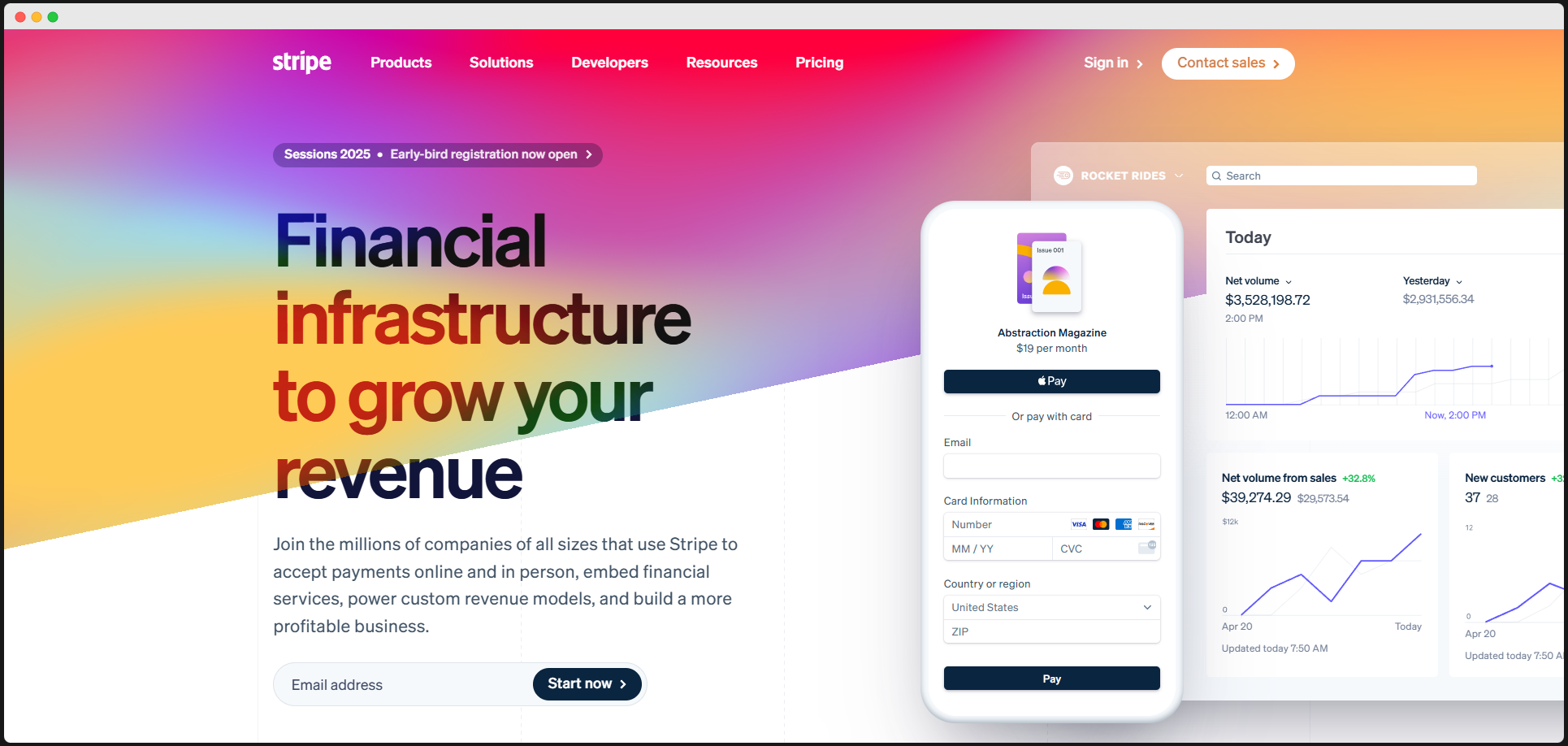
Payment processing is the backbone of any online store, and Stripe is here to make it effortless. With support for multiple payment methods, including credit cards and digital wallets, Stripe ensures a smooth checkout experience for customers while adhering to the highest security standards.
Key Features:
ELEX Minimum Order Amount for WooCommerce
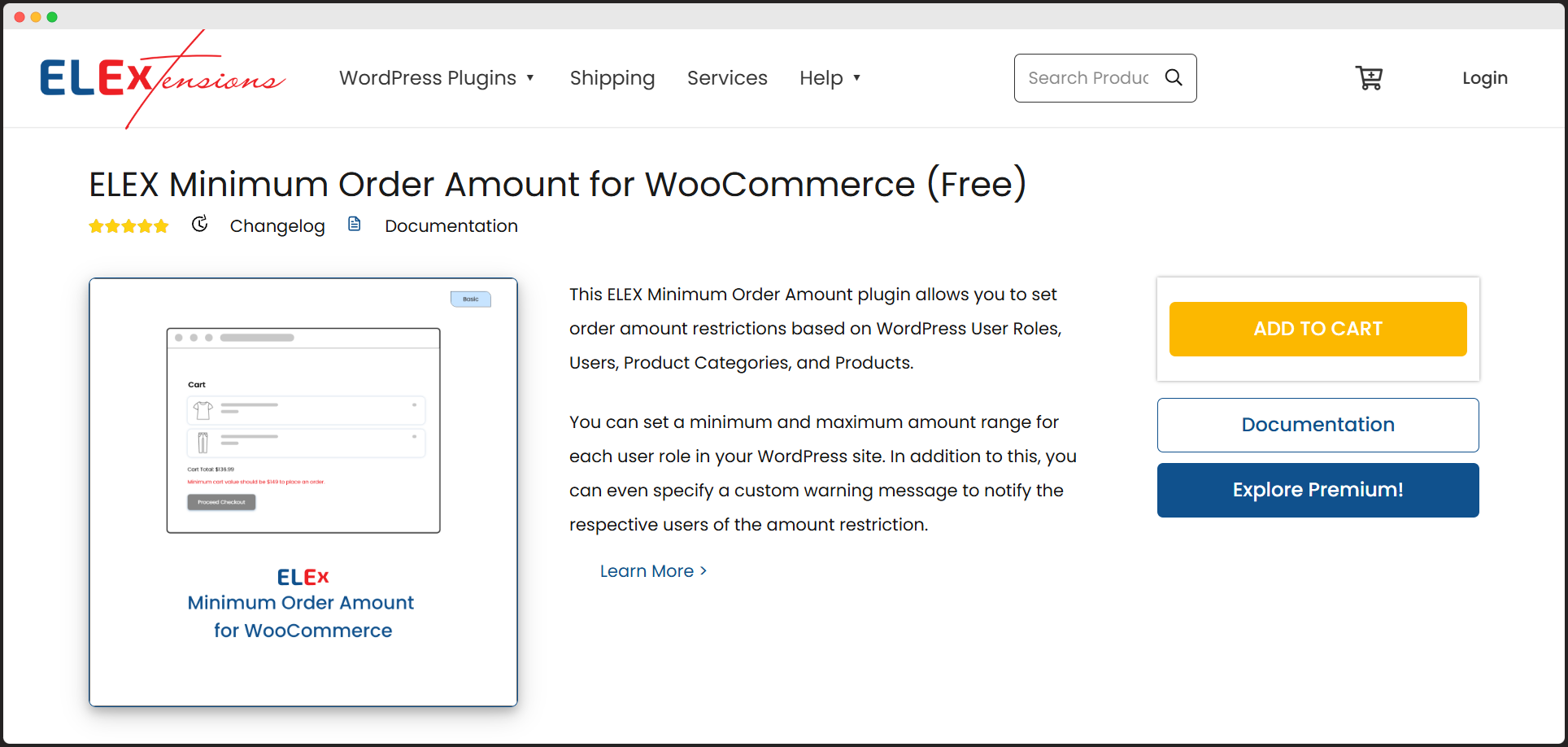
Maximizing profitability means making every sale count, and this plugin helps you do just that. By enabling minimum order limits, you can ensure that your customers meet specific purchase thresholds, making it ideal for bulk orders or maintaining profit margins on smaller transactions.
Key Features:
Jetpack
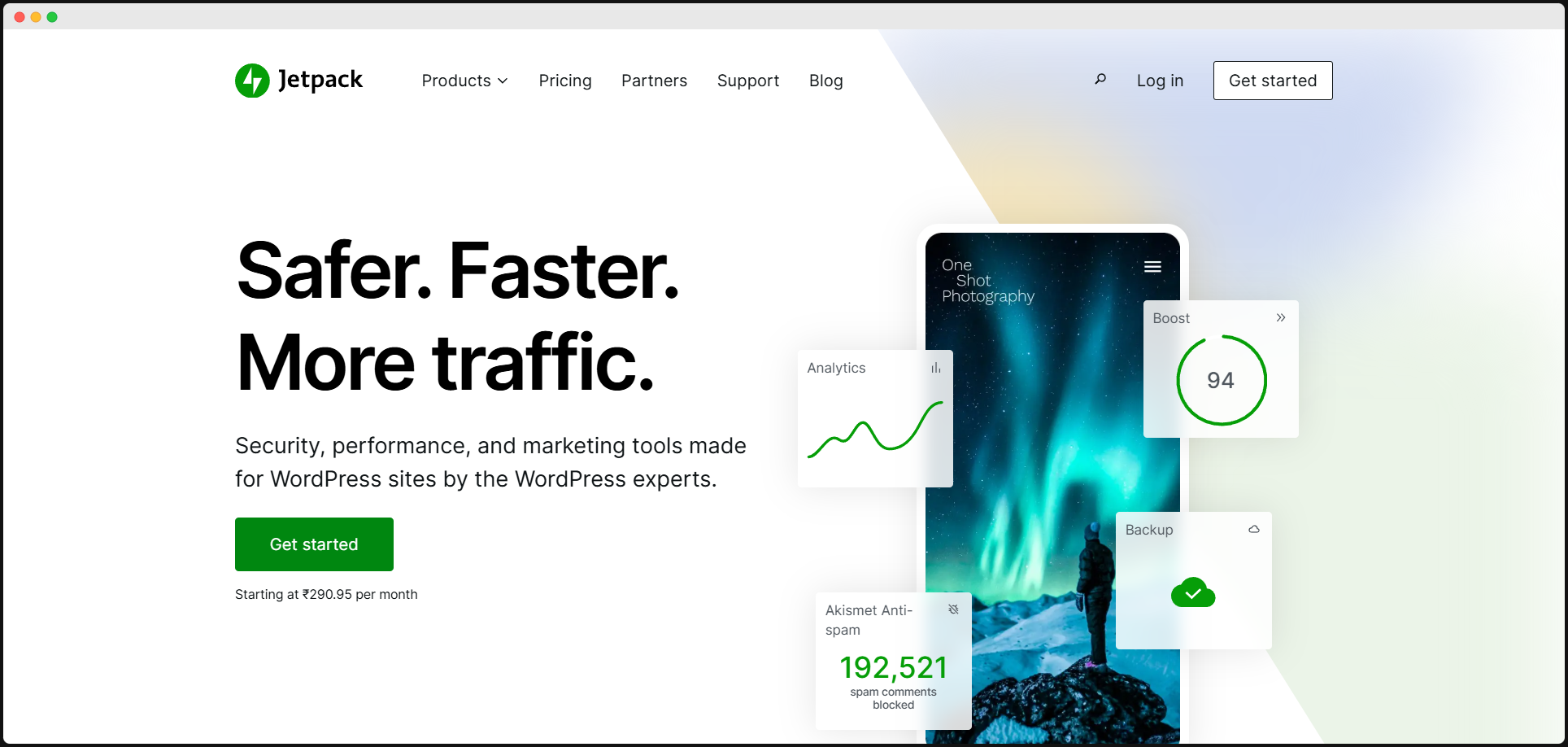
Jetpack is a powerhouse plugin for WooCommerce users, offering everything from performance optimization to robust site security. It’s not just about running a store; it’s about running a successful, secure, and fast online business. For those seeking an all-encompassing solution, Jetpack is an excellent choice.
Key Features:
ReachShip Multi-Carrier & Conditional WooCommerce Shipping Plugin
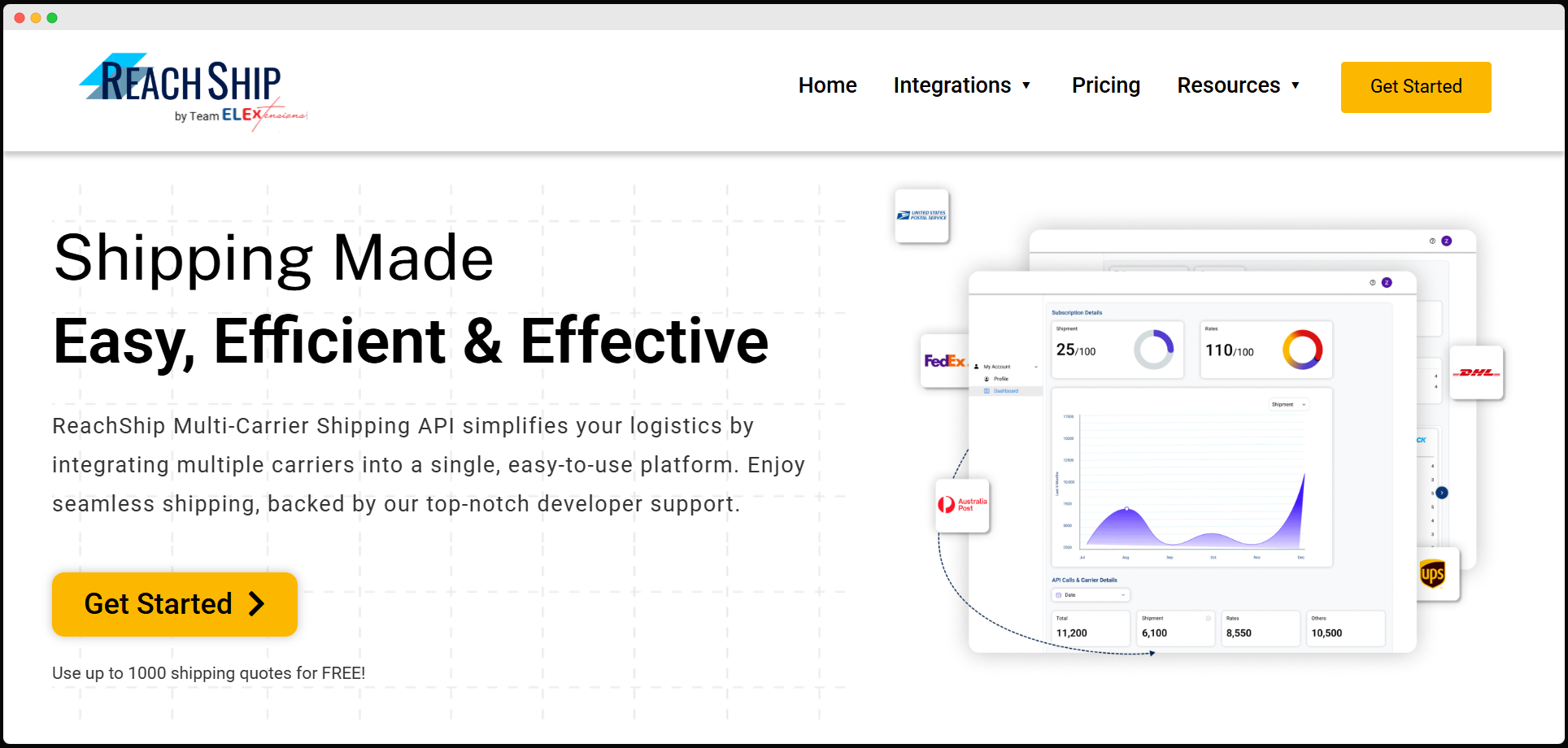
Shipping management can be complex, but ReachShip simplifies it with multi-carrier support and customizable shipping rules. Whether you want to set conditions based on cart contents or offer live shipping rates, this plugin ensures an efficient and customer-friendly delivery process.
Key Features:
TYCHE Order Delivery Date for WooCommerce
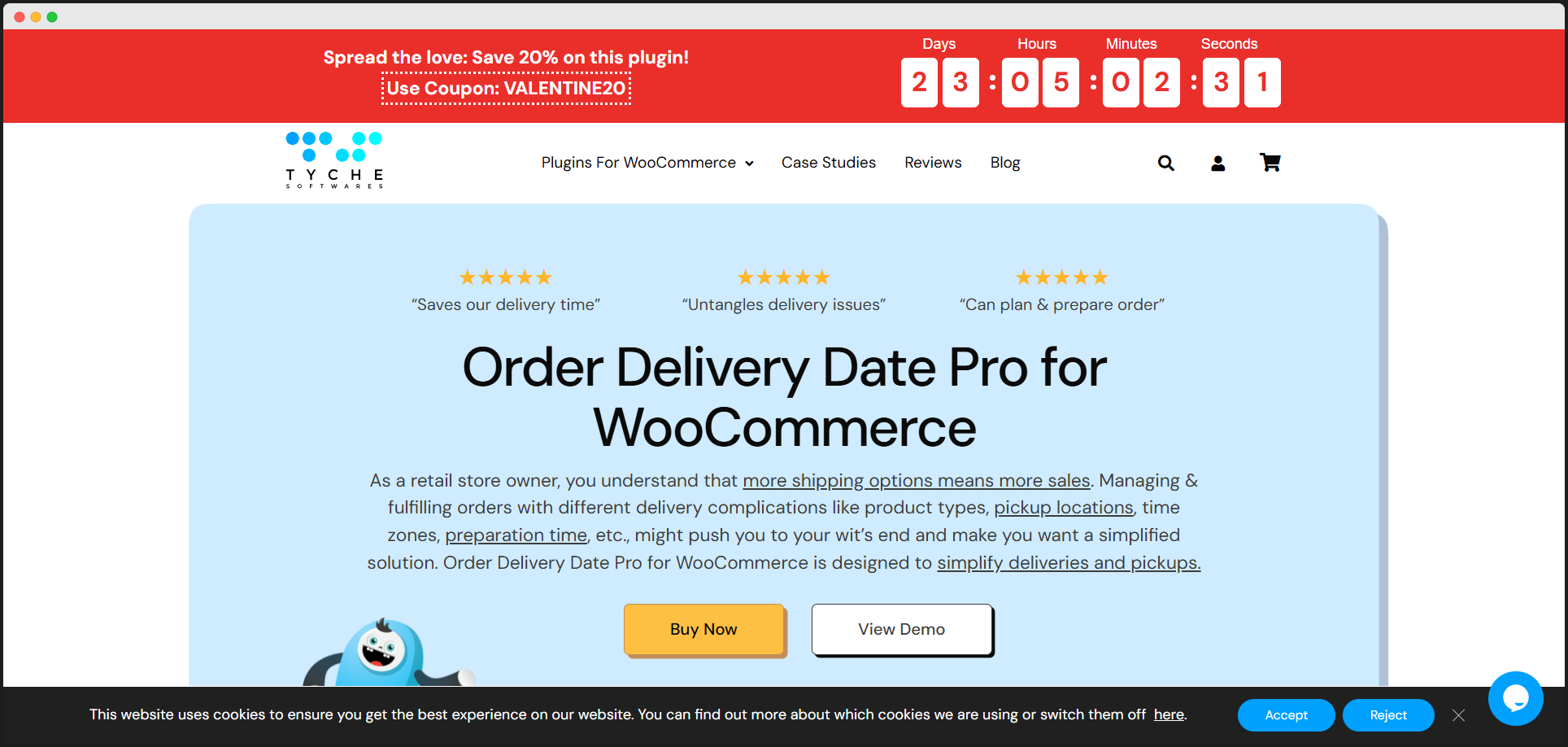
Your customers deserve a personalized shopping experience, and this plugin delivers just that. By allowing shoppers to choose their delivery dates, it improves convenience and builds trust. With its added features like blackout dates and reminders, it’s a must-have for boosting satisfaction..
Key Features:
Booster for WooCommerce
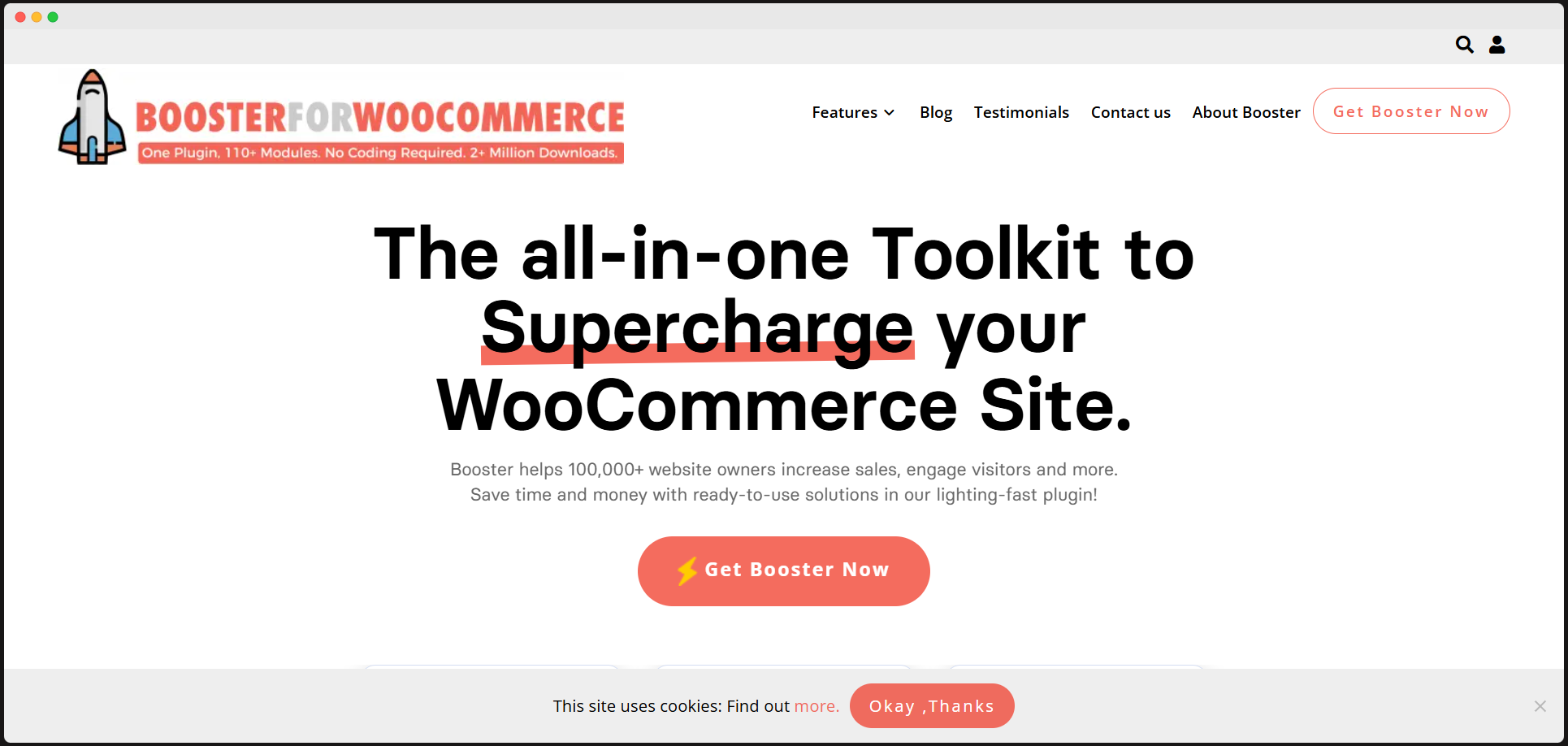
Why settle for basic WooCommerce functionality when you can enhance it with over 100 modules? Booster offers features like dynamic pricing, bulk editing tools, and customizable shipping options, making it the ultimate toolkit for businesses ready to level up their online store.
Key Features:
ELEX WooCommerce Name Your Price Plugin
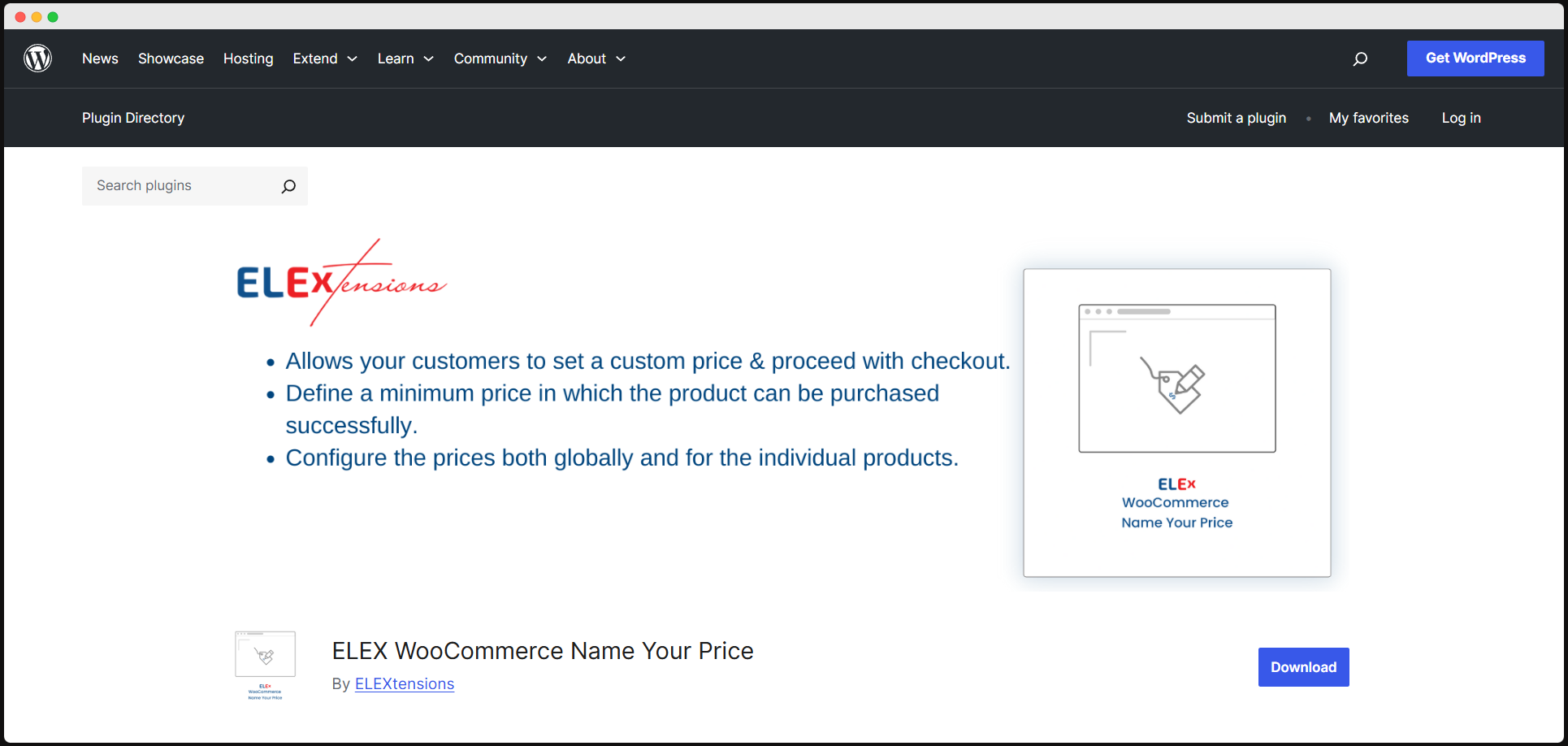
Want to increase engagement while giving customers more control? This plugin lets shoppers set their own prices for products, creating a fun and interactive shopping experience. It’s a great way to drive sales while gathering insights on customer price preferences.
Key Features:
ShopEngine – WooCommerce Page Builder
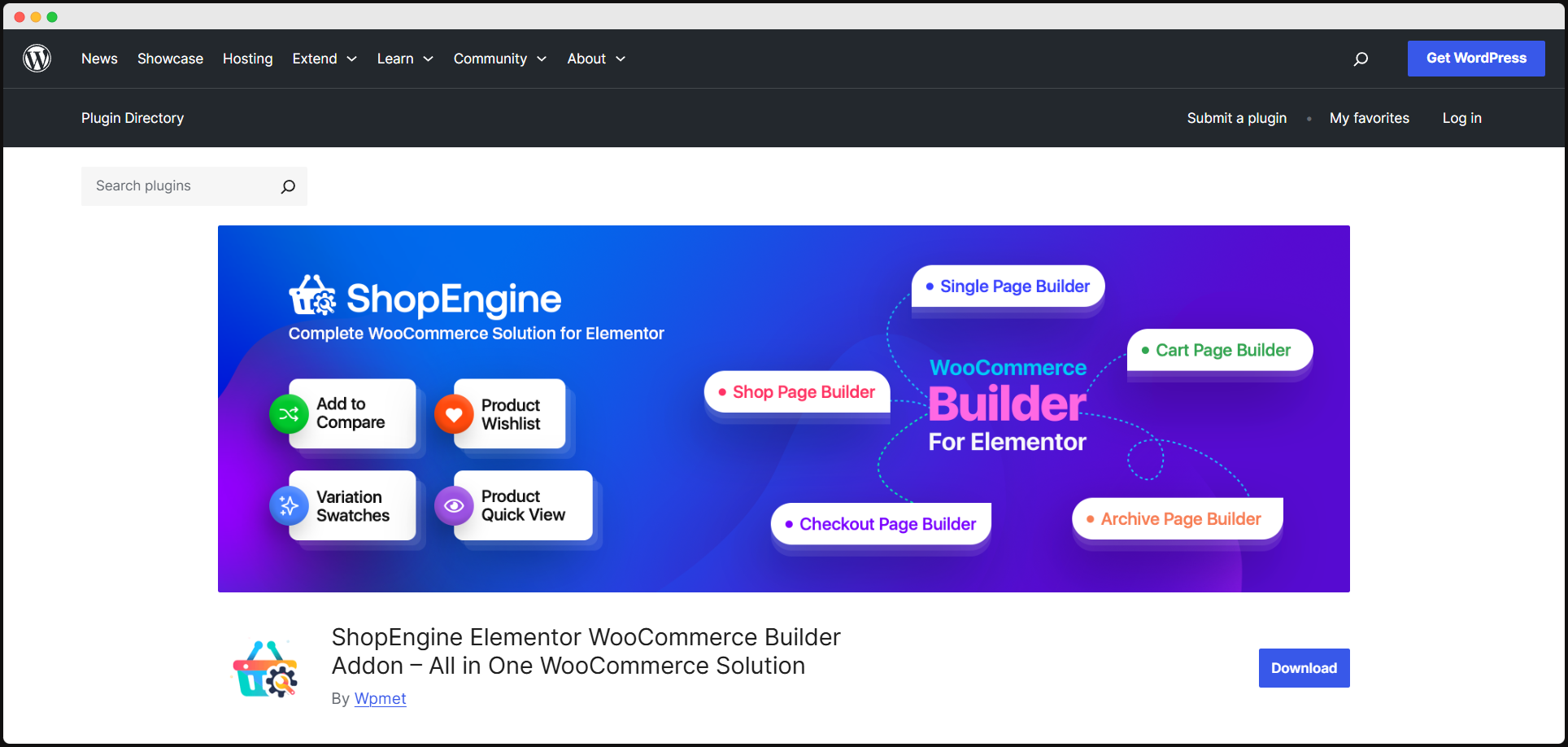
Designing beautiful WooCommerce pages doesn’t require coding skills anymore. ShopEngine provides a drag-and-drop interface, pre-designed templates, and real-time editing to help you create stunning product pages that convert. It’s the perfect plugin for store owners who value aesthetics and functionality.
Key Features:
YITH WooCommerce Wishlist
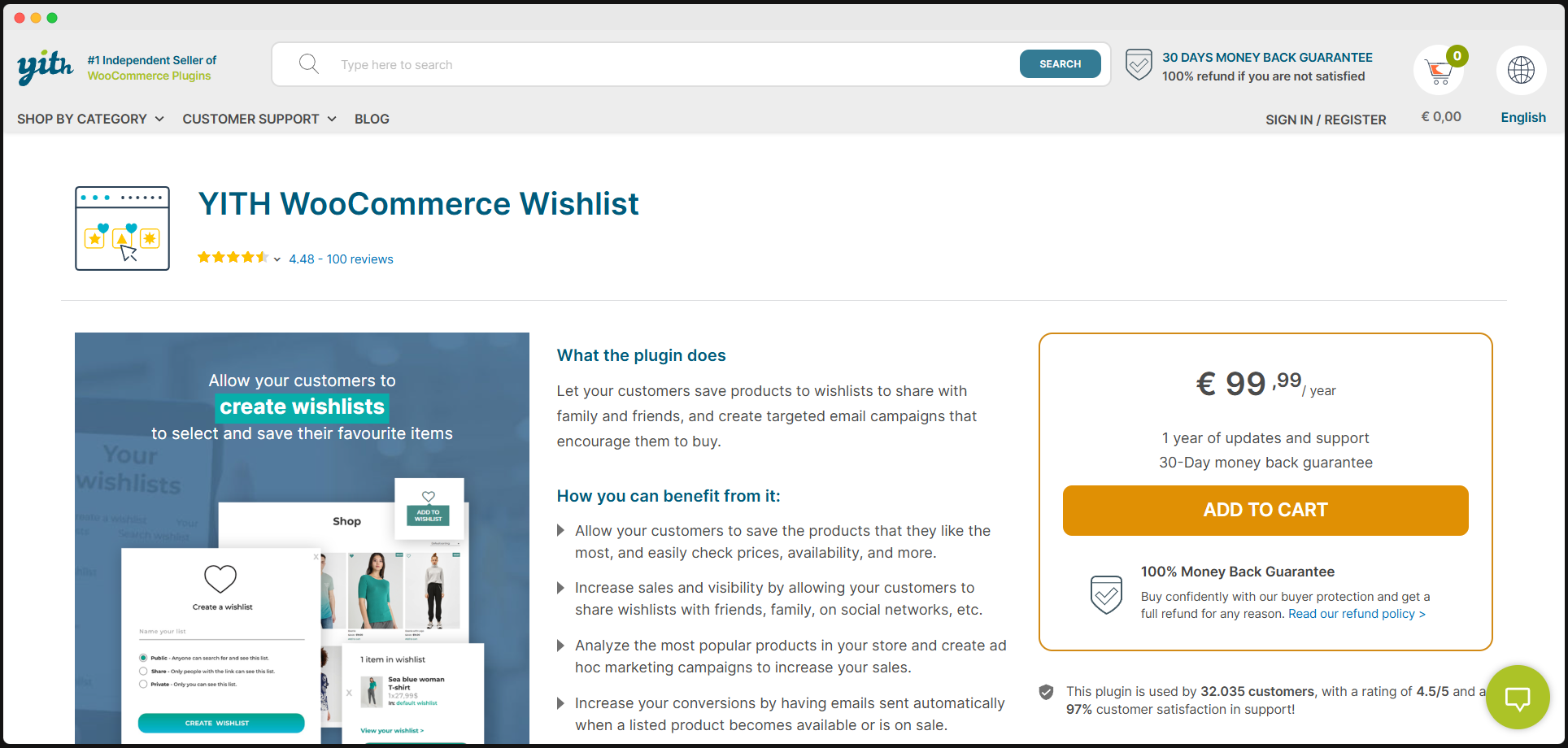
Turn browsing into buying by adding a wishlist feature to your store. This plugin encourages customer engagement by allowing them to save products for later and share their wishlists on social media, ultimately driving more traffic and conversions.
Key Features:
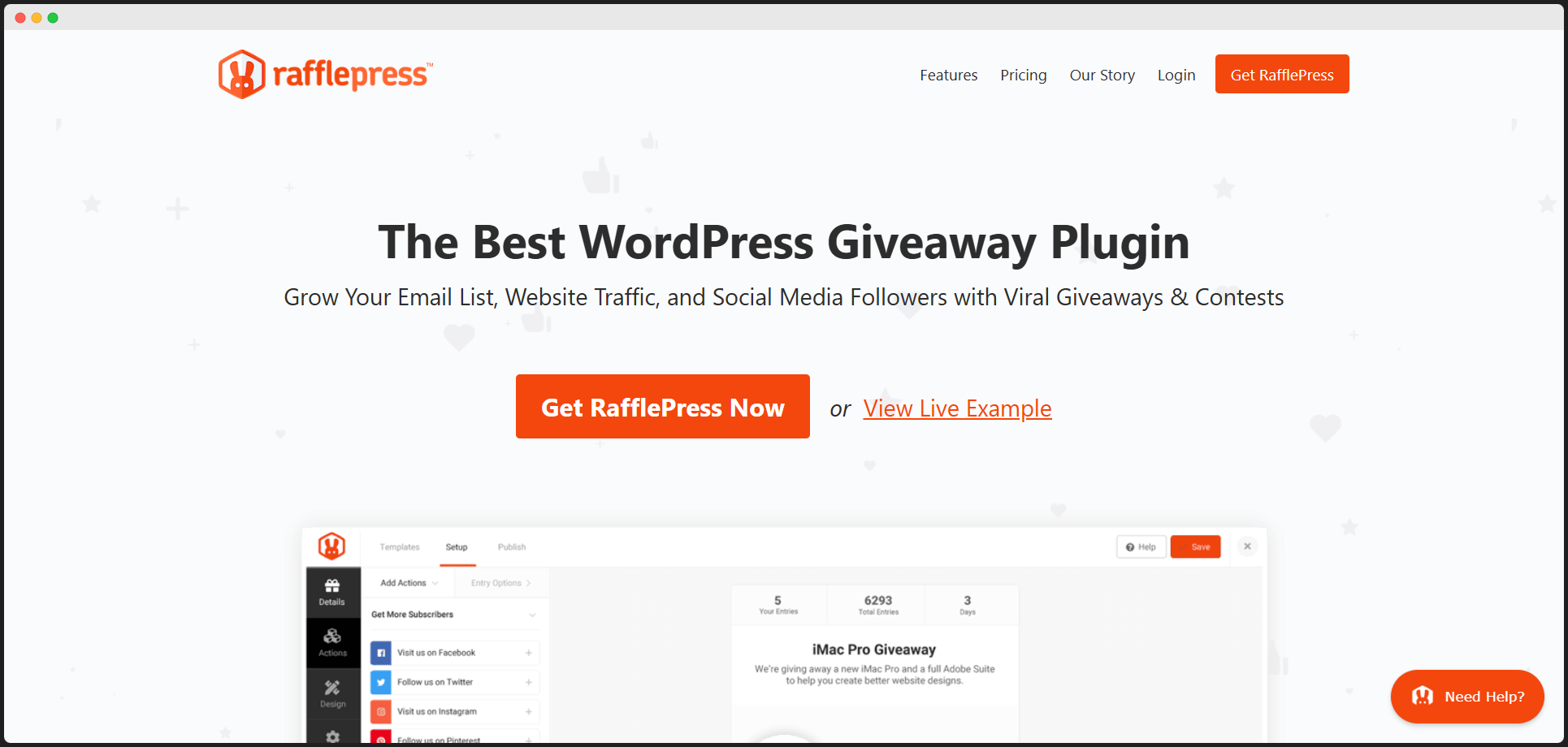
Looking to grow your email list and boost store traffic? RafflePress makes it easy with its drag-and-drop giveaway builder. By creating engaging contests, you’ll attract new customers, retain existing ones, and generate excitement around your brand.
Key Features:
Mailchimp
Email marketing just got easier with Mailchimp’s WooCommerce integration. Automate campaigns like cart recovery, segment audiences based on behavior, and leverage its pre-built templates to deliver targeted messages that drive sales.
Key Features:
CartFlows
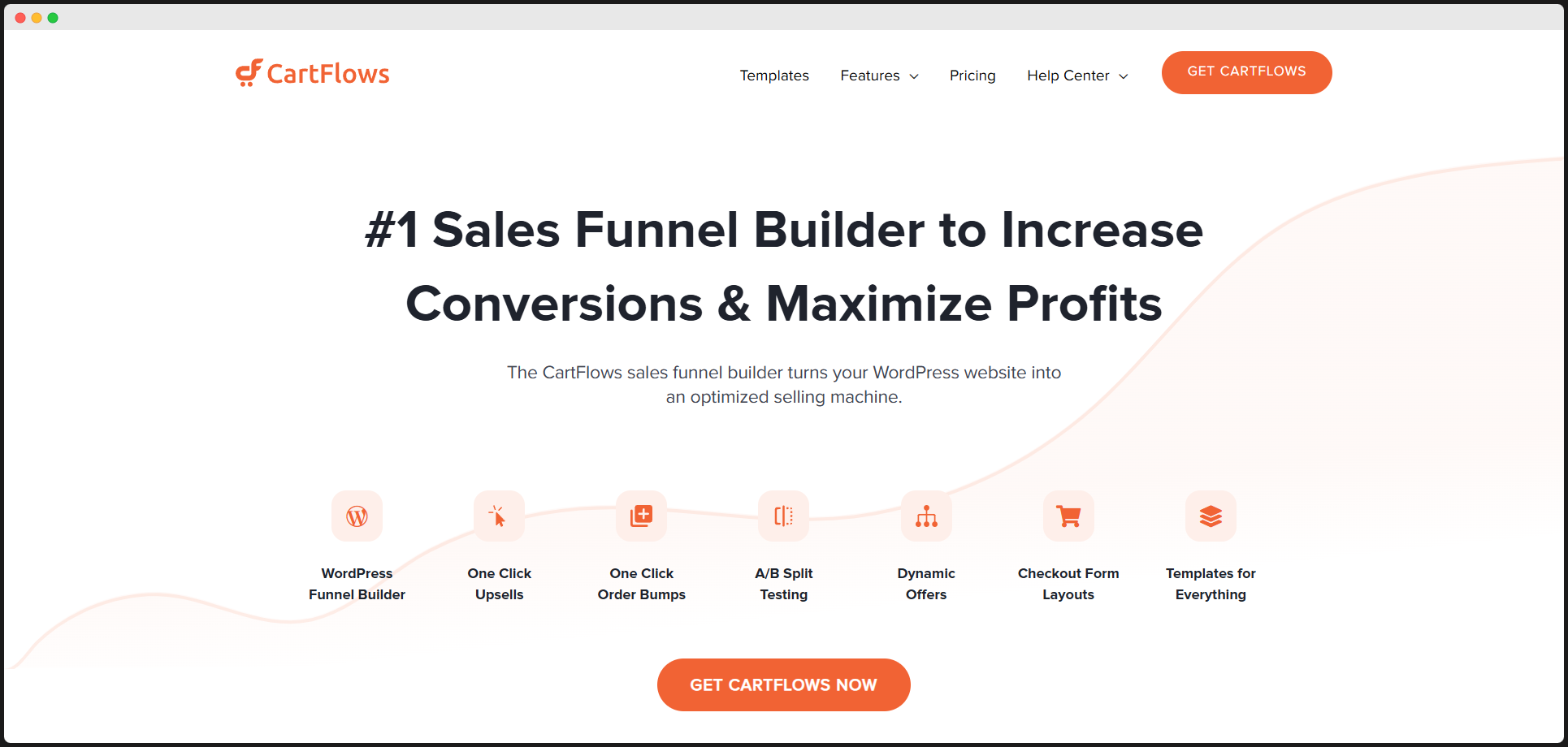
Simplify your checkout process and reduce cart abandonment with Cartflows. This plugin provides pre-designed sales funnels and upsell opportunities, creating a seamless journey from browsing to buying. It’s a must-have for optimizing conversion rates.
Key Features:
Breeze
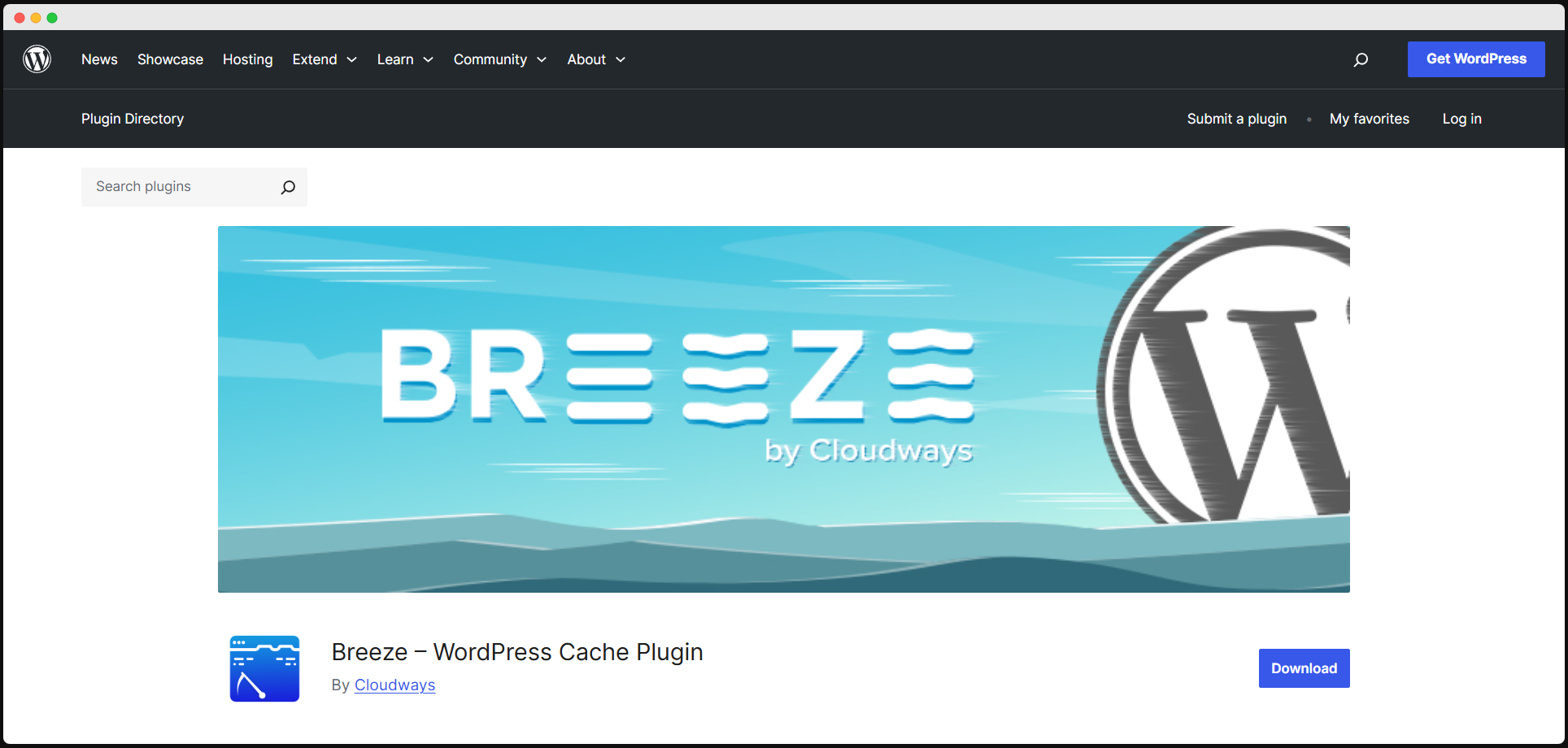
A slow website can kill conversions, but Breeze ensures your store stays lightning-fast. This lightweight caching plugin optimizes your site with page caching, database cleanup, and CDN integration for faster load times and better user experiences.
Key Features:
ReferralCandy

Your customers are your best marketers, and ReferralCandy helps you turn them into brand advocates. Launch referral programs with ease and reward customers for bringing new business to your store, boosting both loyalty and growth.
Key Features:
LiveChat
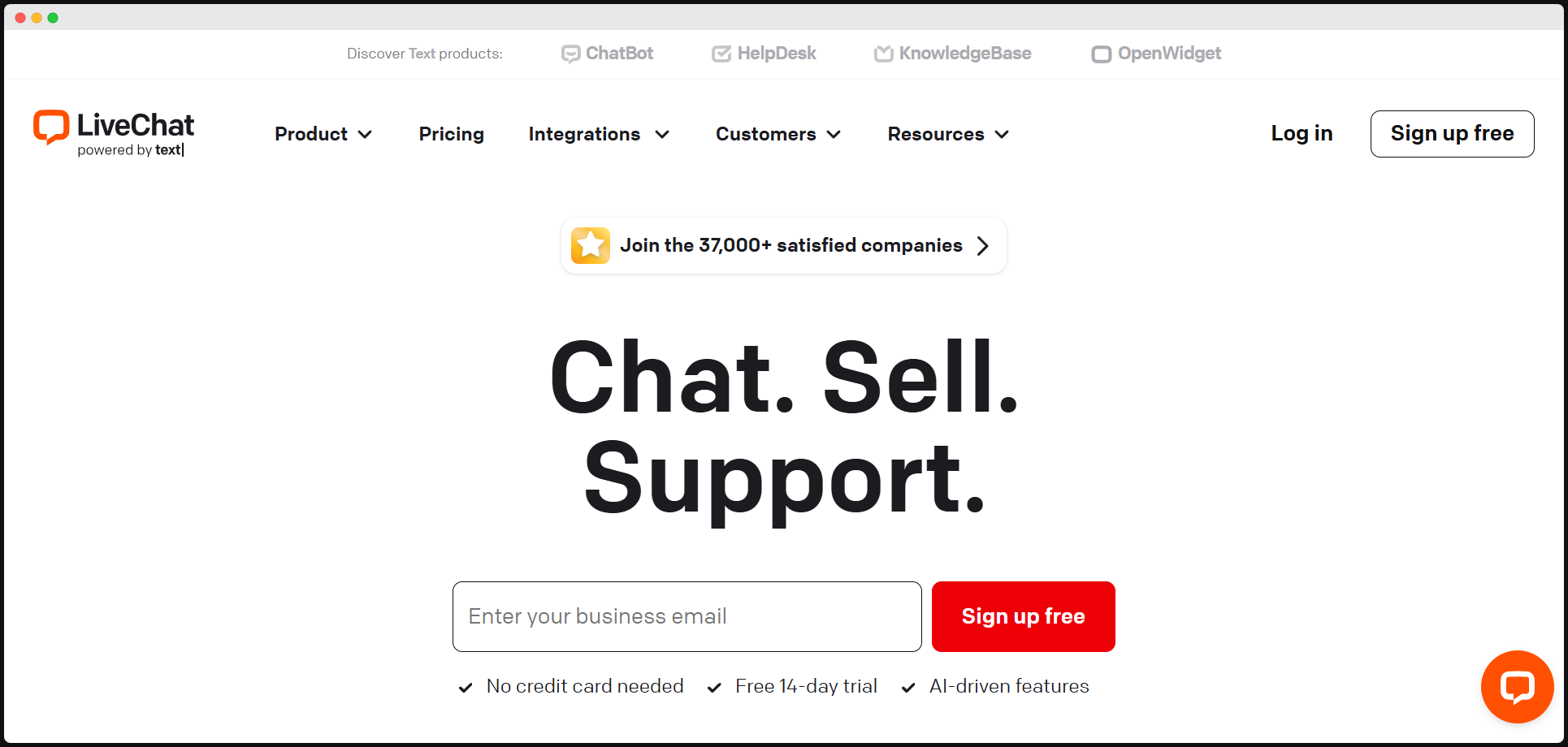
Excellent customer service is the cornerstone of any successful store, and LiveChat delivers it in real-time. With customizable chat widgets and integrations with CRM tools, you’ll resolve customer queries quickly, enhancing their shopping experience and building trust.
Key Features:
Wrap-up
The right plugins can make or break your WooCommerce store. This list of the best WooCommerce plugins for 2025 covers tools for every aspect of your business, from checkout optimization to email marketing.
Invest in the ones that align with your goals, and watch your store not just survive but thrive in the competitive e-commerce landscape. Your success is just a plugin away—make it happen!
Frequently Asked Questions on the Best WordPress WooCommerce Plugins
What are WooCommerce plugins?
WooCommerce plugins are extensions that add features to your online store, like payment gateways, shipping options, and marketing tools.
Are all WooCommerce plugins free?
No, while many WooCommerce plugins are free, some require a premium purchase for additional features and advanced functionalities.
How do I know if a plugin is compatible with my store?
Check plugin details for compatibility information, read user reviews, and test it in a staging environment before using it.
Can I use multiple WooCommerce plugins together?
Yes, you can use multiple WooCommerce plugins, but ensure they are compatible and don't conflict with each other.
How do I install a WooCommerce plugin?
Install plugins via the WordPress dashboard by navigating to "Plugins" > "Add New" and searching for the plugin.


0 Comments