
Every Divi developer has felt it.
You quote a client 10 hours. The project takes 22. You promise delivery Friday. You're still tweaking on Sunday night.
The frustrating part? You're not slow. You're not inexperienced. You're fighting invisible friction that compounds with every project.
Divi 5 brought tremendous improvements — faster visual editing, cleaner code output, modernized architecture. Yet many developers report their project timelines haven't improved. Some say they've gotten worse.
The problem isn't Divi. It's the gaps between what Divi provides and what real projects demand.
This guide breaks down the hidden time drains in Divi workflows and offers practical strategies to reclaim your hours.
The Anatomy of a Slow Divi 5 Projects
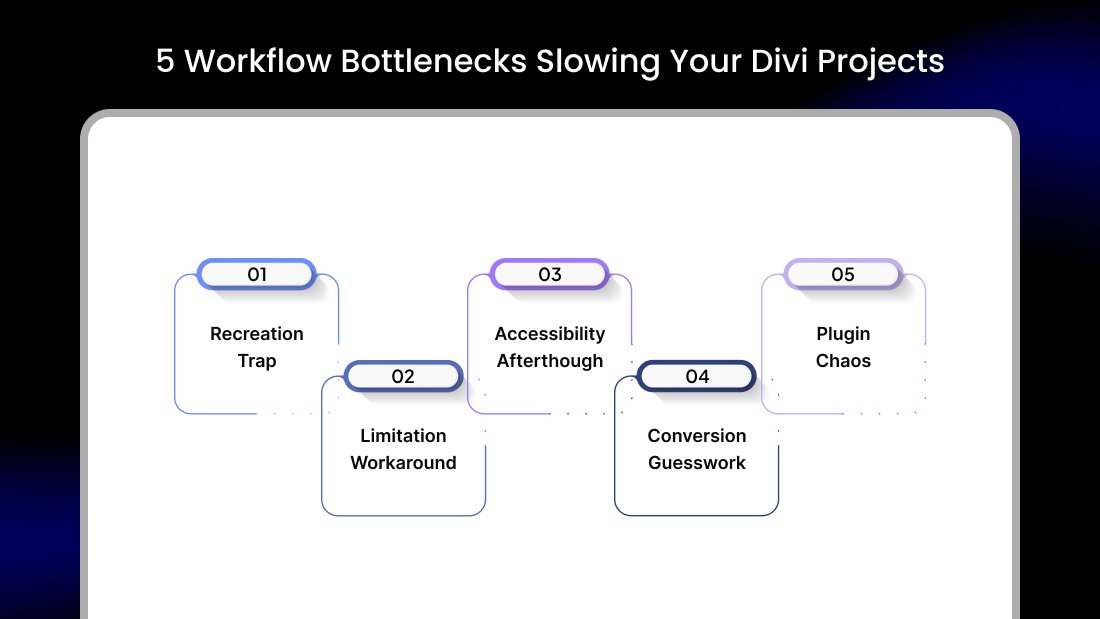
Before solving the problem, we need to understand it. Time loss in Divi projects typically falls into five categories.
1. The Recreation Trap
You've built the same hero section forty times. Different clients, same structure — headline, subtext, button, background image.
Yet each time, you start from scratch. Drag module. Style module. Adjust spacing. Set responsive settings. Repeat.
Multiply this across headers, footers, testimonial sections, pricing tables, and contact areas. You're recreating solved problems constantly.
The real cost: An experienced developer spends 30-40% of project time rebuilding elements they've already perfected elsewhere.
2. The Limitation Workaround
Client wants an image hotspot with clickable points revealing product details.
Divi doesn't have that module natively. Your options:
- Custom code (2-4 hours minimum)
- Find a third-party plugin (research, test, troubleshoot)
- Convince client to accept an alternative design
Each workaround consumes time that wasn't in your quote. Worse, custom solutions require future maintenance — time you'll never bill for.
The real cost: Feature gaps force creative compromises or unbilled development hours.
3. The Accessibility Afterthought
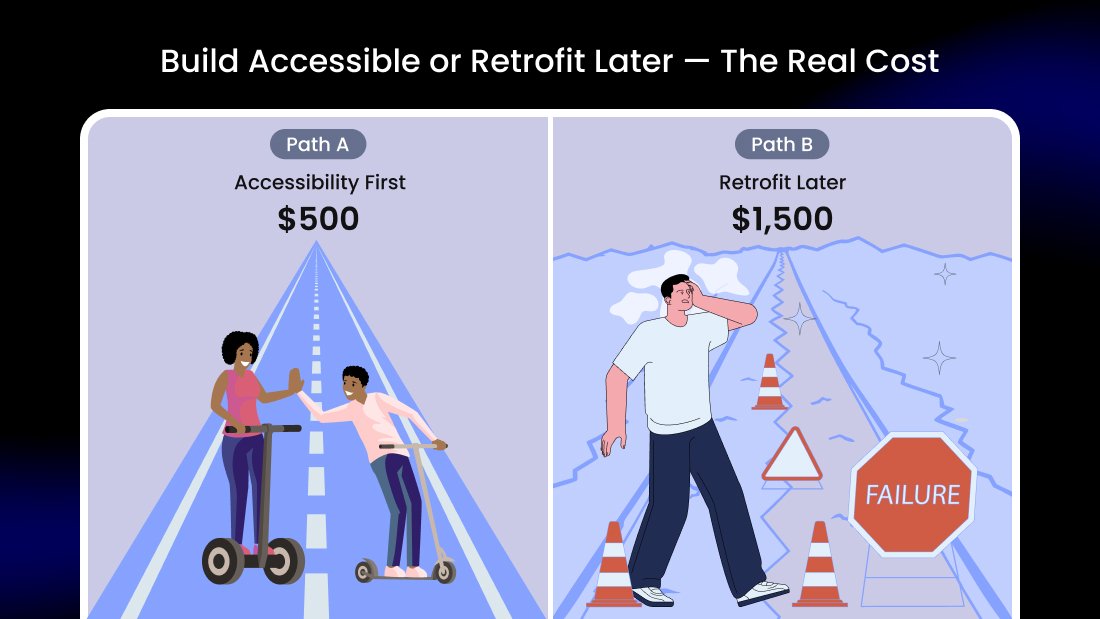
Project launches. Client's competitor files an ADA complaint. Suddenly, you're retrofitting accessibility features into a completed website.
Screen reader optimization. Keyboard navigation. Color contrast adjustments. Focus indicators. Motion reduction options.
Work that should've been integrated from the start now requires dismantling and rebuilding sections.
The real cost: Accessibility retrofitting typically costs 3x more than building accessibly from day one.
4. The Conversion Guesswork
Client expects leads. You built a beautiful website. But you have no popup system beyond Divi's basic email optin. No notification bars for announcements. No exit-intent triggers. No behavior-based targeting.
You either leave conversion optimization on the table or spend hours implementing patchwork solutions.
The real cost: Clients measure success in results, not aesthetics. Lacking conversion tools means underwhelming outcomes despite great design work.
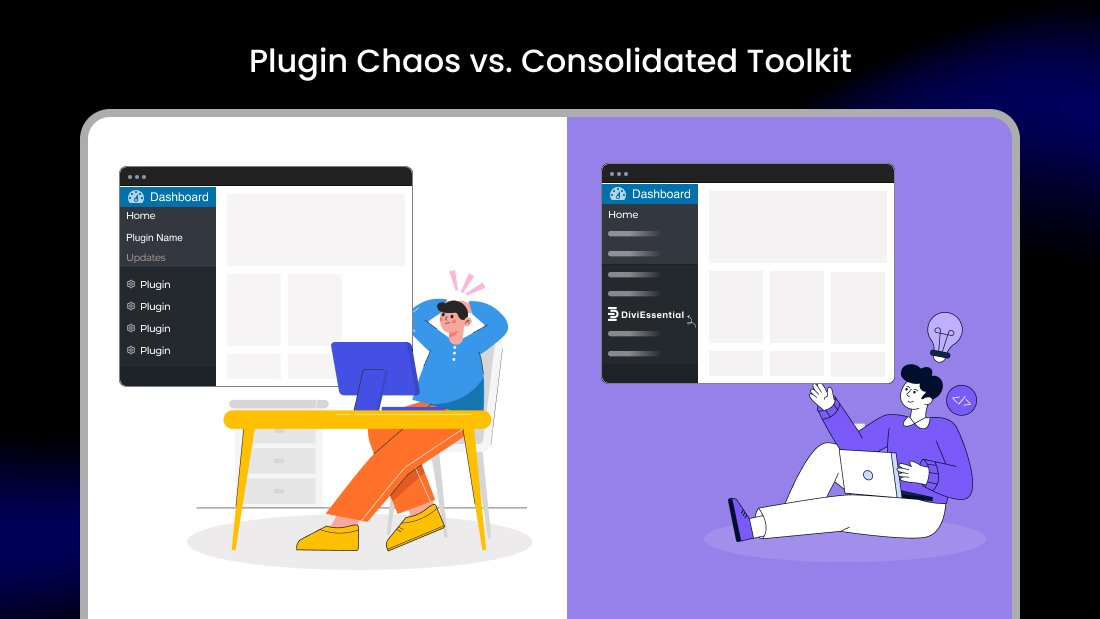
5. The Plugin Chaos
Over time, your Divi installation accumulates plugins:
- One for sliders
- One for testimonials
- One for team members
- One for image effects
- One for popups
- One for accessibility
Six different developers. Six different coding standards. Six different update schedules. Six potential conflict points.
Each plugin adds database queries, stylesheet loads, and compatibility risks. Your clean Divi installation becomes a fragile ecosystem.
The real cost: Plugin bloat creates performance issues, increases security vulnerabilities, and makes troubleshooting exponentially harder.
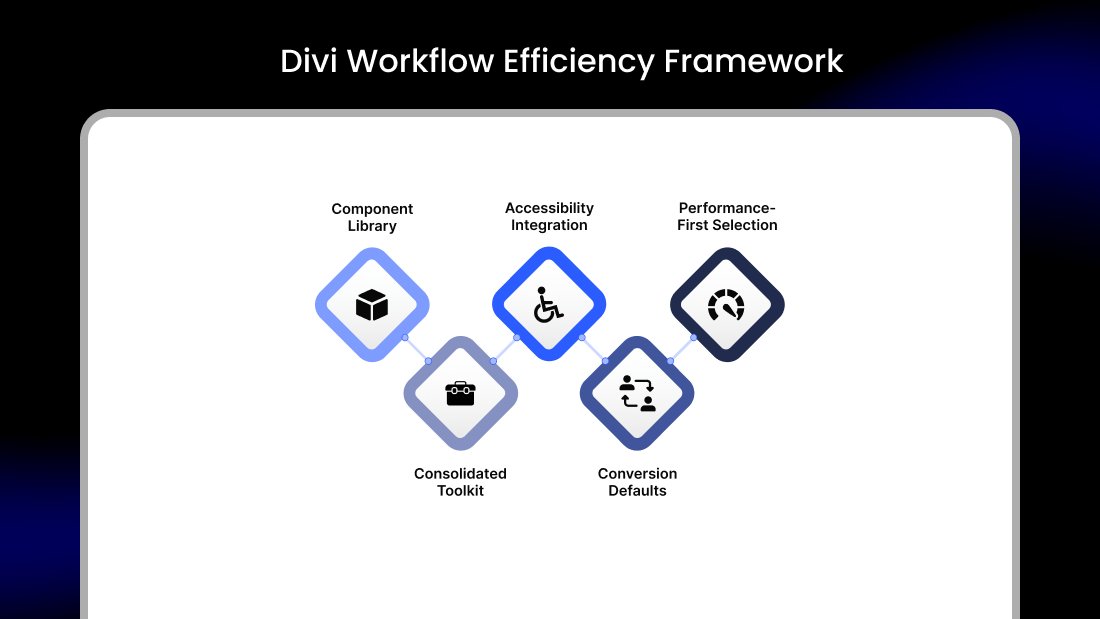
The Efficiency Framework
Understanding time drains is step one. Eliminating them requires systematic changes to your workflow.
Build a Component Library
Stop recreating. Start reusing.
Document every section you build that works well. Save them as Divi layouts. Organize by category — hero sections, testimonials, CTAs, footers. When new projects begin, you're assembling proven components, not inventing from nothing.
The most efficient Divi developers maintain libraries of 50-100 pre-built sections covering common use cases. A website that previously took 20 hours now takes 8 because 60% of it already exists.
Consolidate Your Toolkit
Audit your current plugin situation. Count how many you're running. Identify overlap and redundancy.
The goal: maximum capability with minimum plugins.
Comprehensive module packs that include 50-80 additional modules eliminate the need for multiple single-purpose plugins. One well-maintained solution beats five scattered ones.
Evaluate total coverage:
- Design modules (sliders, galleries, testimonials, teams, pricing)
- Conversion tools (popups, notification bars, countdown timers)
- E-commerce enhancements (product displays, cart optimization, filters)
- Accessibility features (screen reader support, visual adjustments)
If one or two solutions cover all categories, your maintenance burden drops dramatically.
Integrate Accessibility From Project Start
Make accessibility part of your standard workflow, not an emergency response.
Every project should include:
- Proper heading hierarchy
- Alt text for all images
- Sufficient color contrast
- Keyboard-navigable menus
- Form label associations
Dedicated accessibility tools automate much of this. AI-powered scanning identifies issues during development rather than after complaints arrive. Compliance reports give clients documentation they increasingly need.
Building accessibly adds minimal time upfront but eliminates catastrophic retrofitting costs later.
Establish Conversion Defaults
Don't wait for clients to ask for lead generation features. Include them as standard practice.
Every website should launch with:
- Exit-intent popup (offer or email capture)
- Notification bar capability (announcements, promotions)
- Scroll-triggered engagement options
- Basic analytics event tracking
These elements require tools beyond Divi's native options. Having them ready means better client results without scope creep negotiations.
Performance-First Plugin Selection
Not all plugins are equal. Technical quality varies wildly.
When evaluating tools, check:
Conditional Loading Does the plugin only load assets on pages where its modules are used? Or does it dump CSS and JavaScript site-wide?
Database Efficiency How many database queries does each module add? Poorly optimized plugins slow page loads noticeably.
Code Standards Is the output clean? Or does it generate bloated HTML with excessive div nesting?
Divi 5 Native Integration Does it appear seamlessly in the visual builder? Or require shortcodes and external interfaces?
Quality plugins add capability without degrading performance. Budget plugins often cost more in troubleshooting time than their price difference.
When to Invest in Your Workflow
Here's the uncomfortable truth: fixing workflow inefficiencies requires upfront investment.
Time to research solutions. Money for quality tools. Effort to implement new processes.
Most developers postpone this investment indefinitely. They're too busy fighting fires to prevent them. The urgent constantly defeats the important.
The result? They stay trapped in inefficient patterns, trading hours for dollars at unfavorable rates.
Breaking this cycle requires treating your workflow as infrastructure, not expense. The right tools pay for themselves within one or two projects through time savings.
Cyber Monday: Strategic Opportunity for Workflow Investment
If you've been postponing toolkit upgrades, the annual Cyber Monday sale window offers practical advantages worth considering.
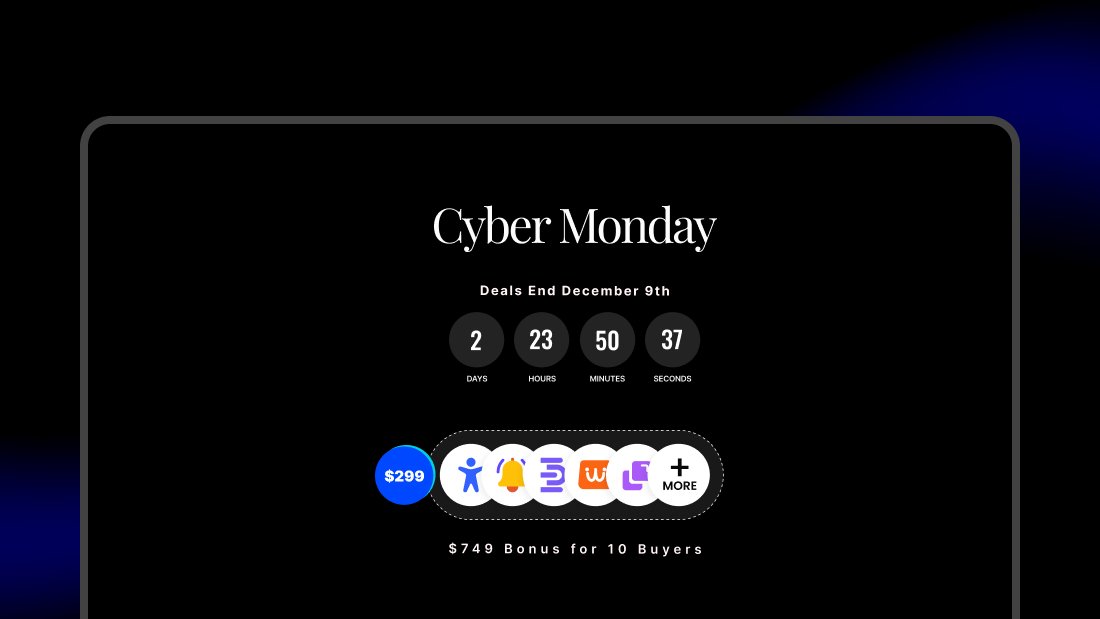
DiviNext Cyber Monday 2025 (December 1-9) presents one such opportunity:
All Access Pass — Lifetime $1,683 → $299 (Save $1,384)
This includes 17+ Divi 5 compatible plugins covering modules, accessibility, WooCommerce, popups, notification bars, and more — the consolidation approach discussed earlier, implemented in one purchase.
Individual Plugin Options:
- Divi Essential (64+ modules): $199 → $119
- EaseAccess (accessibility): $349 → $175
- Woo Essential (e-commerce): $289 → $144
- AlertBars (notifications): $129 → $65
- Popup Pro (conversion): $99 → $49
Additional Incentive: 10 Lifetime buyers will receive $749 in marketing services from Zone7 — including social media designs, competitor research, Google Business setup, analytics configuration, and strategy consultation.
The financial logic: if consolidated tools save 5 hours per project at $75/hour, the $299 lifetime investment pays for itself in under one project. Everything afterward is efficiency gained.
Explore DiviNext Cyber Monday Deals →
Whether DiviNext or another solution, the principle remains: annual sale periods reduce the barrier to workflow investment. Waiting costs more than acting.
The Compound Effect of Efficiency
Your Divi 5 projects don’t have to feel like a constant battle against time. The hidden frictions—recreating sections, plugin chaos, retrofitting accessibility, and patchwork conversions—can be tamed with intentional workflow improvements.
Small workflow improvements compound dramatically over time.
Saving 3 hours per project across 30 annual projects equals 90 hours reclaimed. That's more than two full work weeks returned to you — for prospecting, learning, resting, or additional billable work.
The developers who charge premium rates and maintain sustainable practices aren't necessarily more talented. They've simply eliminated friction that others tolerate.
Your Divi workflow is either an asset generating leverage or a liability consuming potential. The tools and processes you choose determine which.
The question isn't whether optimization costs money. It's whether inefficiency costs more.

0 Comments